Tools

Using GoodNotes 5 as a Teacher Organizer

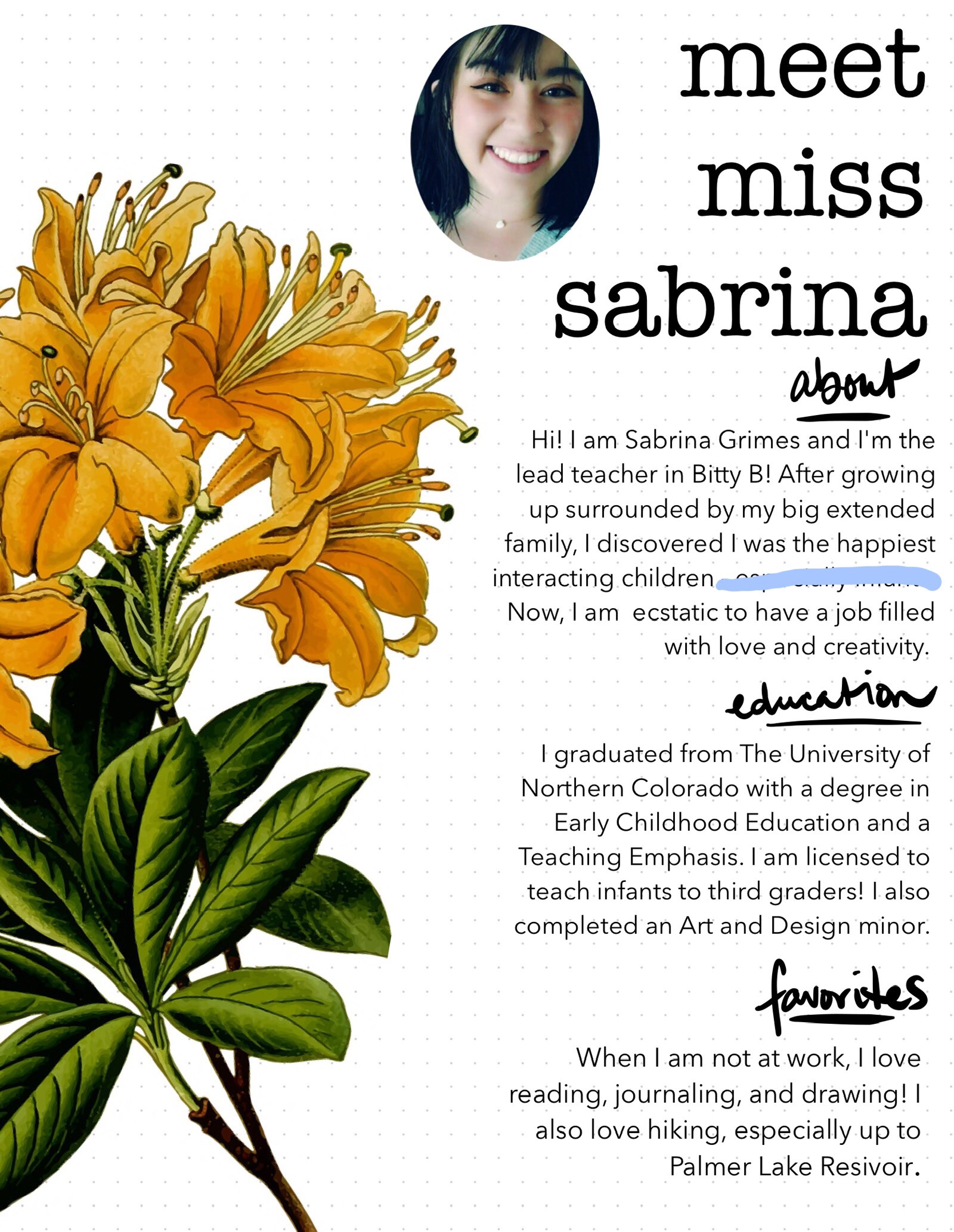
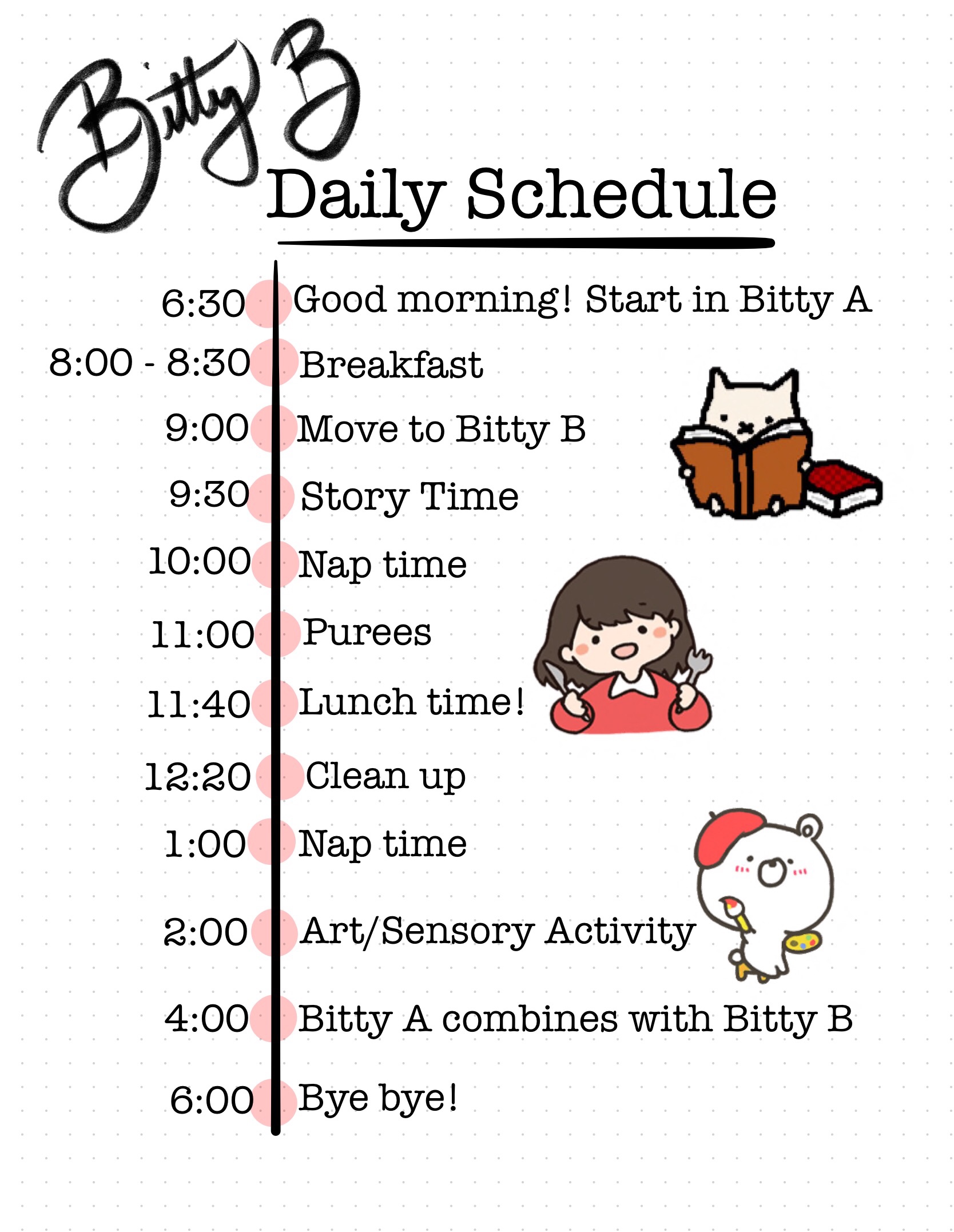
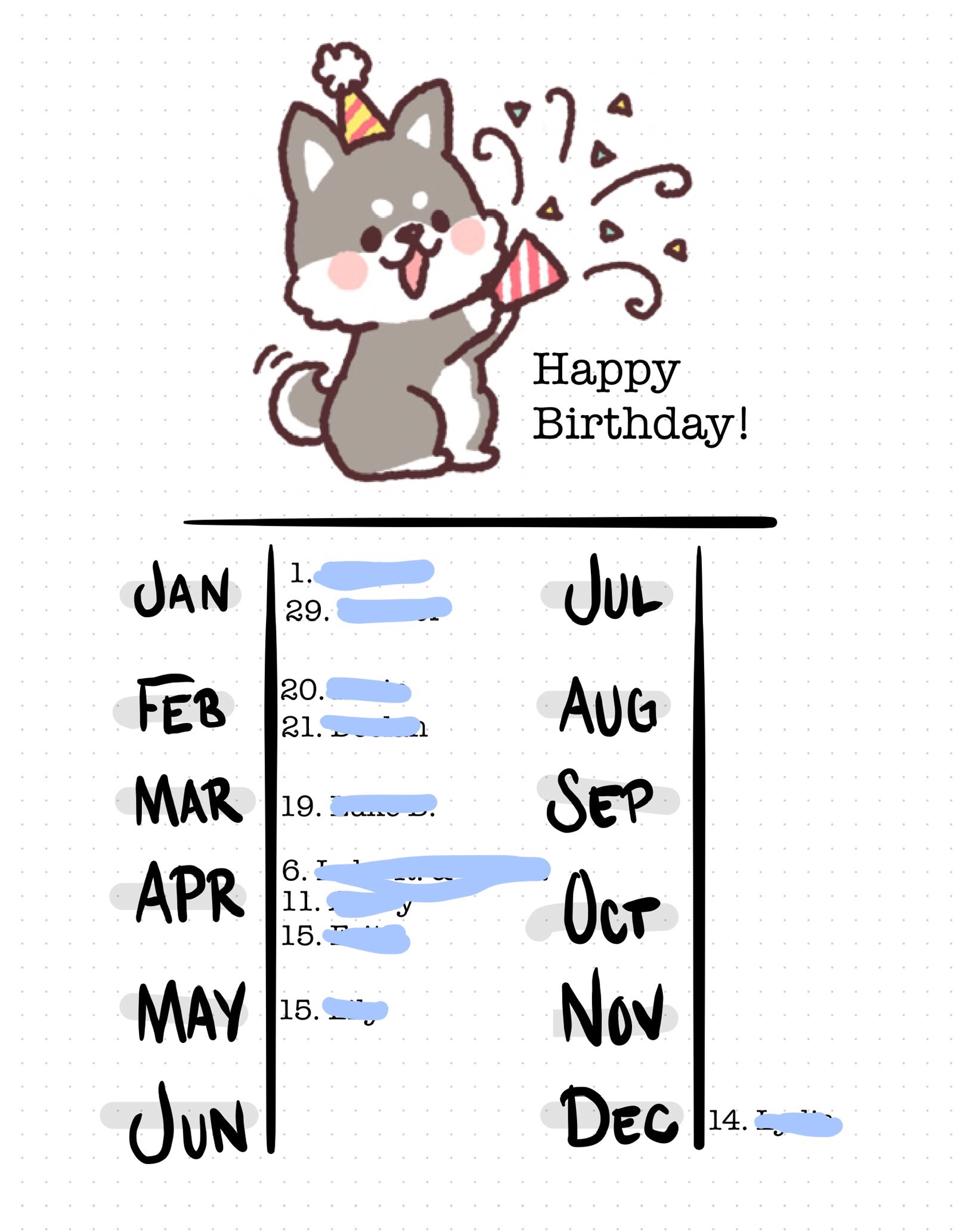
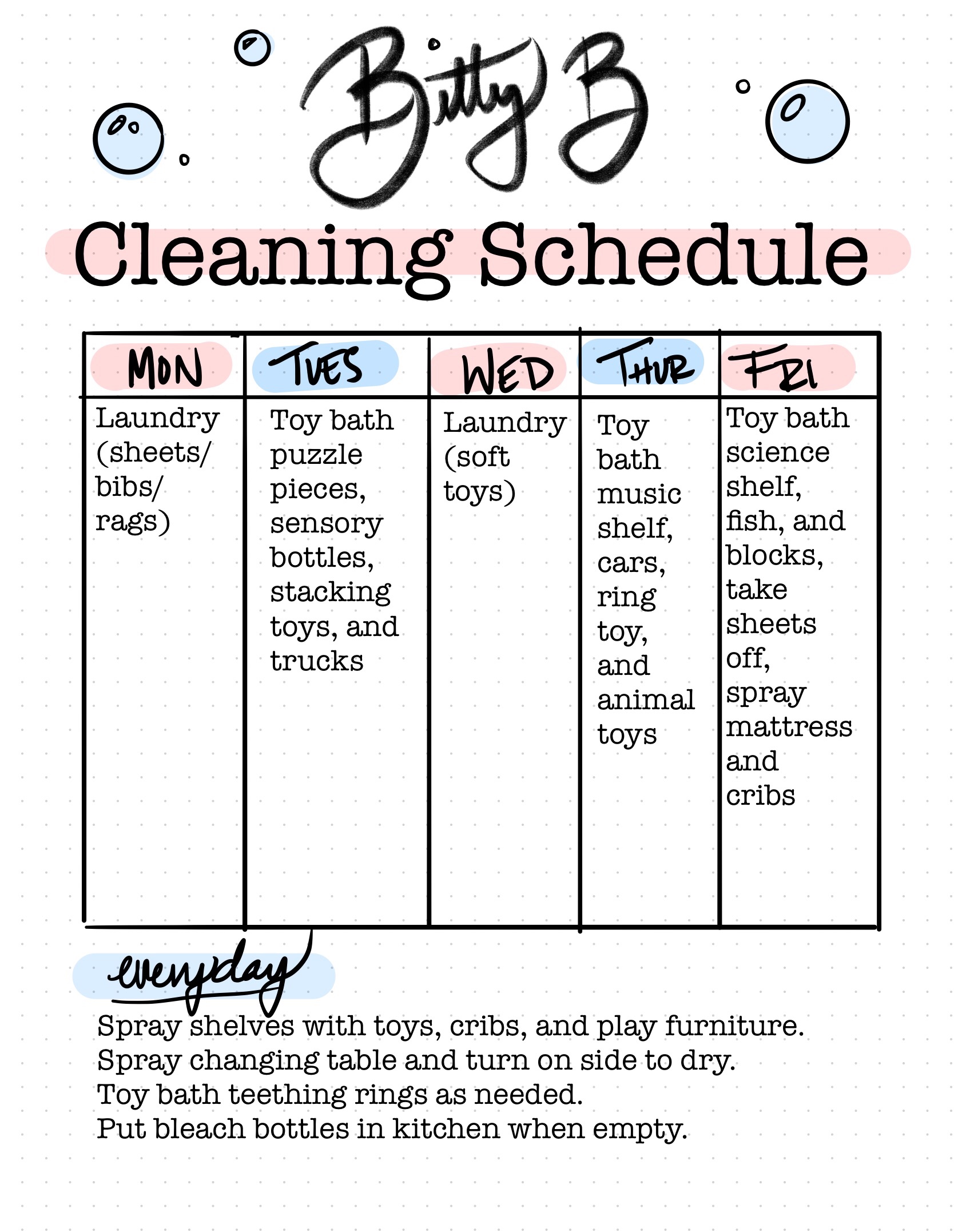
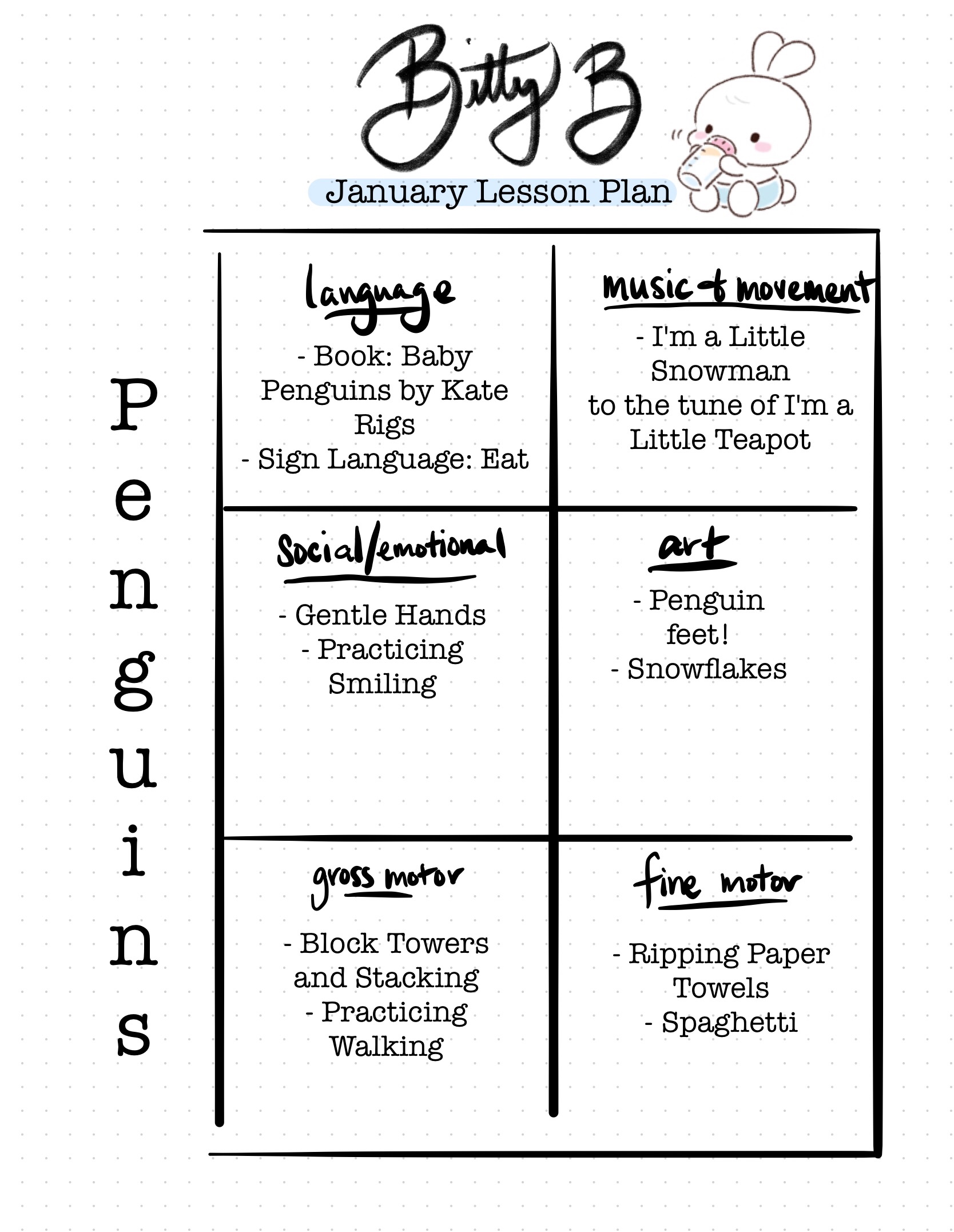
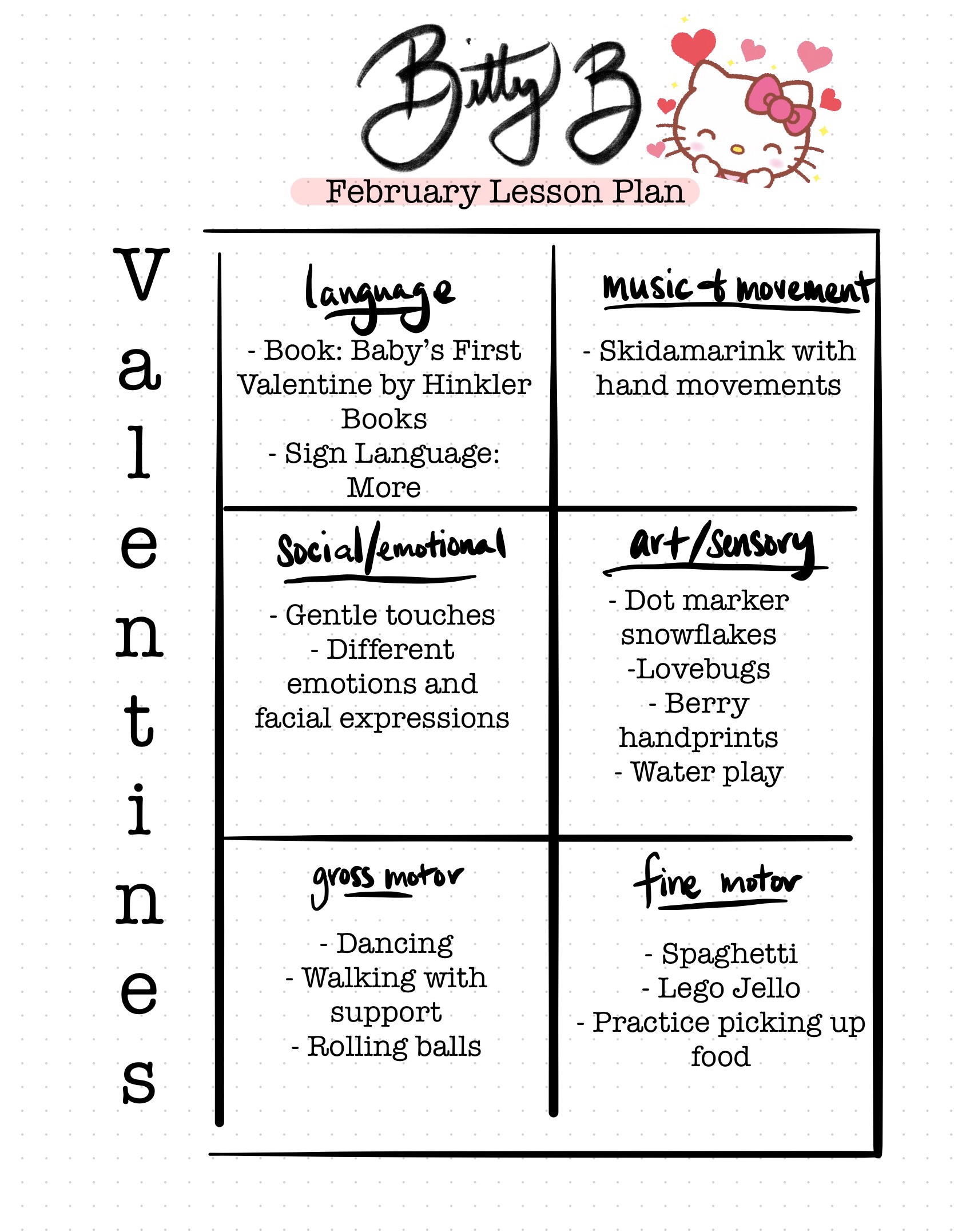
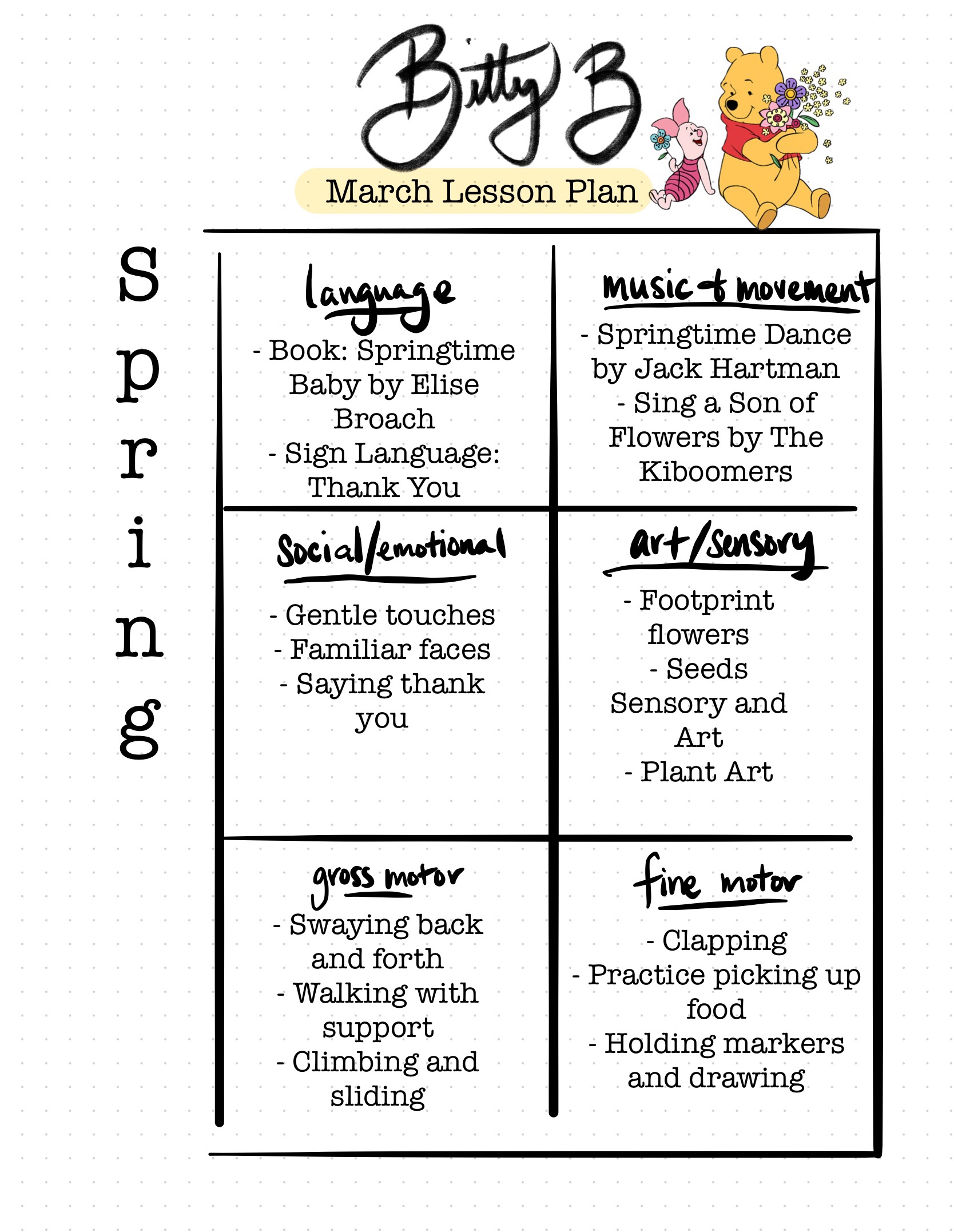
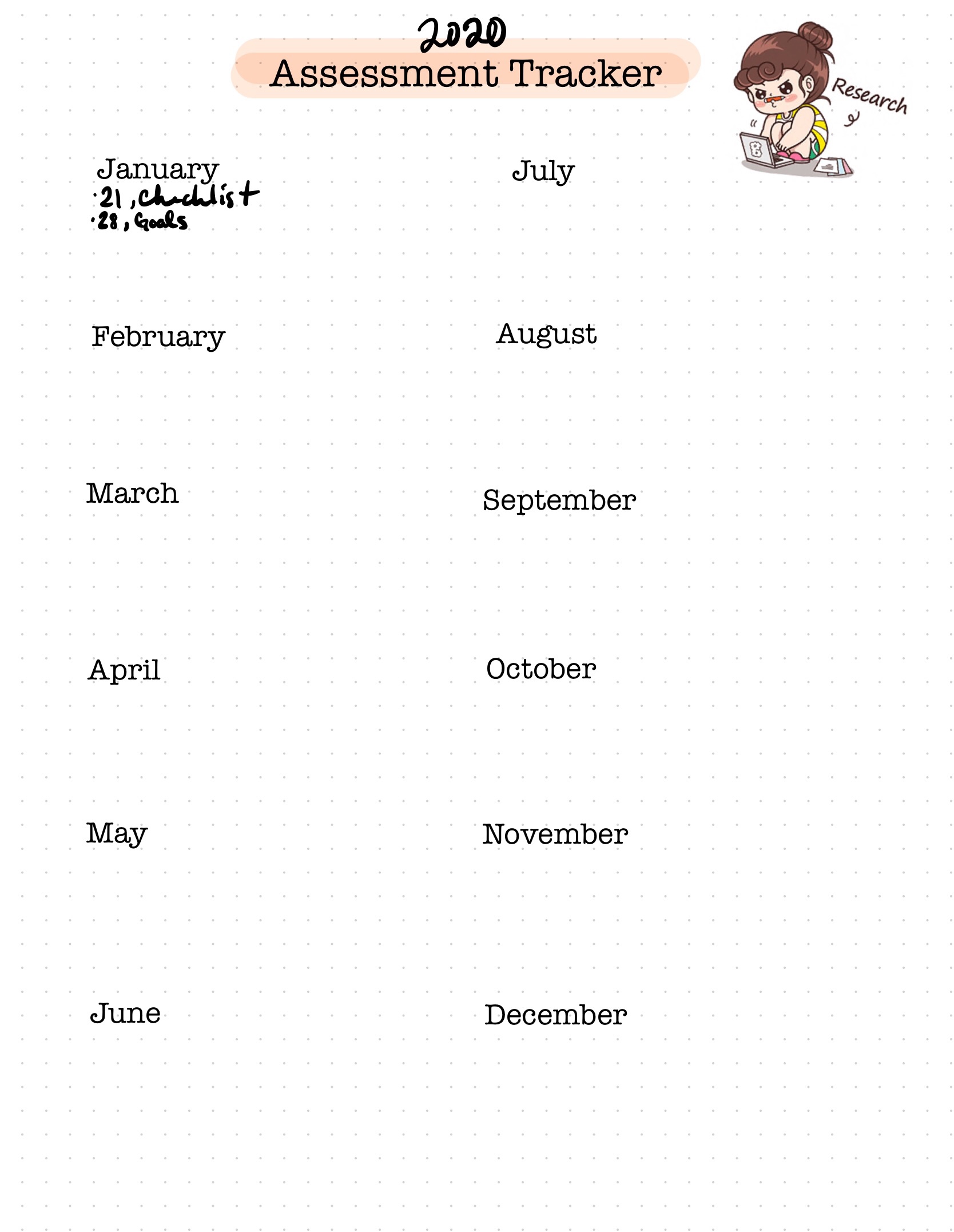
Hi all! I am someone who loves to stay organized but also needs an outlet for my creativity. I have been working with a program called GoodNotes 5 on my iPad, which lets me create digital notebooks that are easy to look through, reorganize, and add visuals to.

This a app is also great for creating handouts to give to parents of class schedules and information. It has quickly become one of my favorite ways to add a pop of color and organization to my classroom!

Flip through my notebook below!
Tools

An Easy Homemade Observations and Assessments Organizer

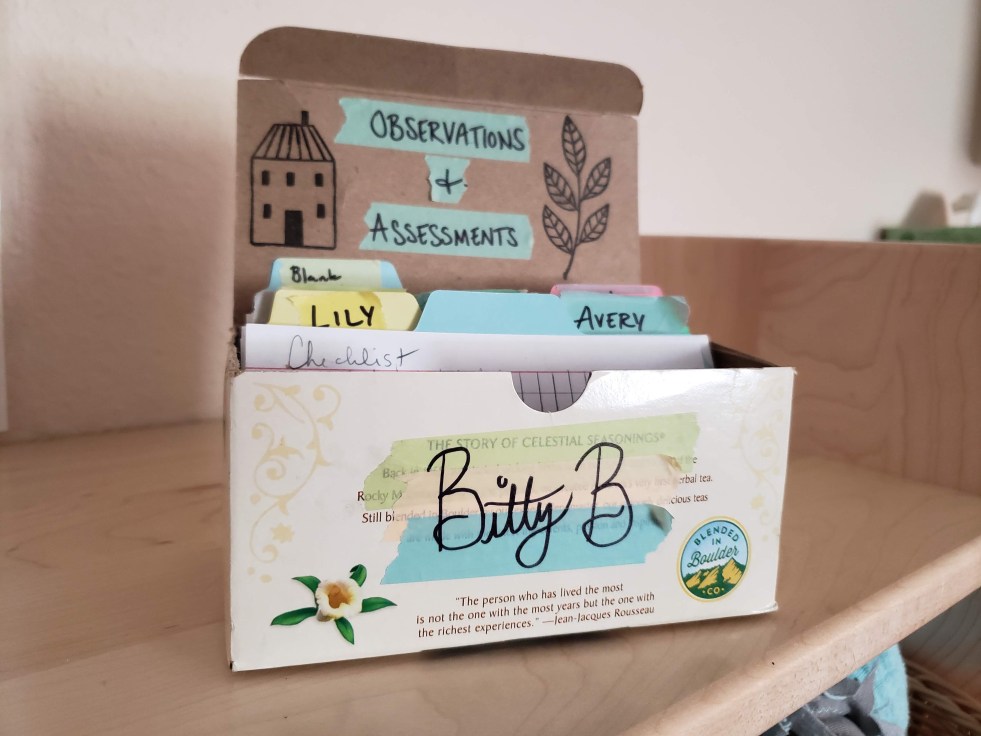
Like most teachers, I make it a point to observe my students and keep an eye on their progress. Even though there are formal times where we do these assessments, I wanted to find a way to quickly jot down notes and put them away in somewhere I could easily access them.

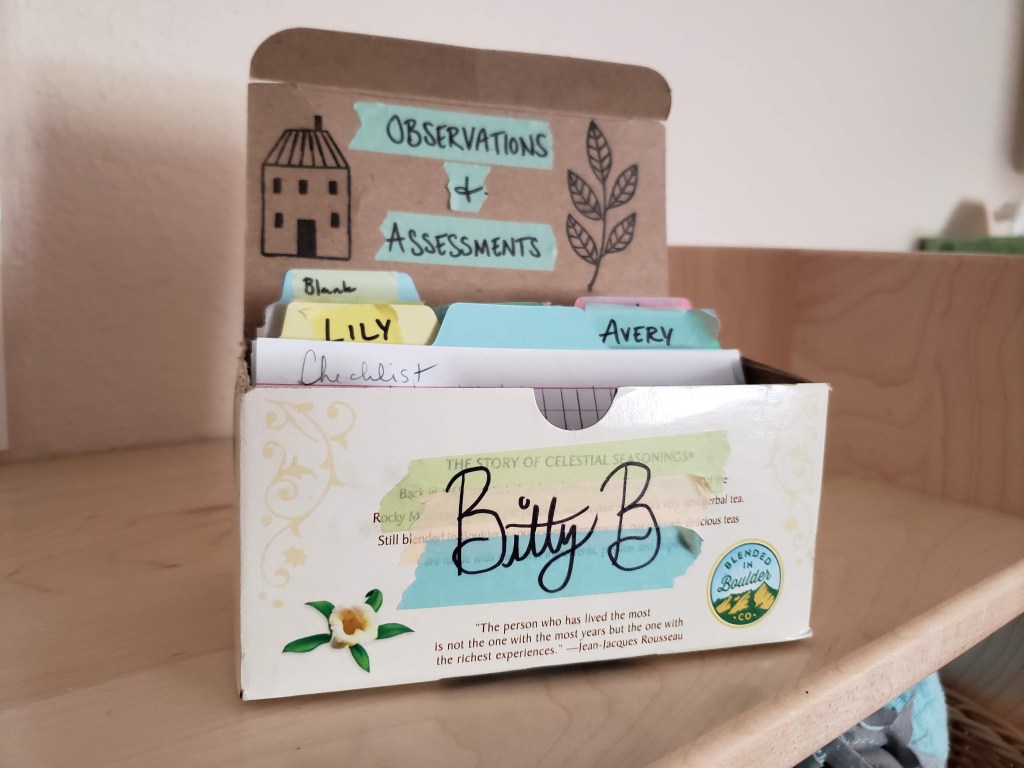
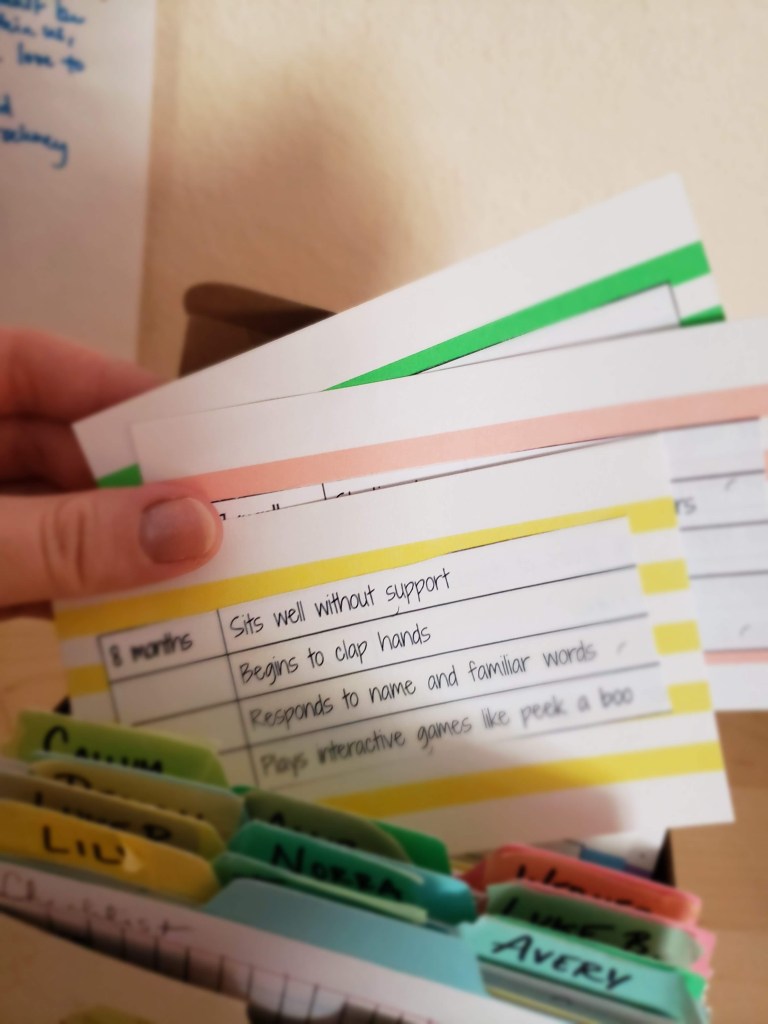
So, I created an organizer using an old tea box and index cards!
I enjoy taking notes on index cards because they are easy to carry around and the perfect size! But I couldn’t figure out what the best option was for keeping everything organized. Eventually, I found an old tea box fit the cards just right.

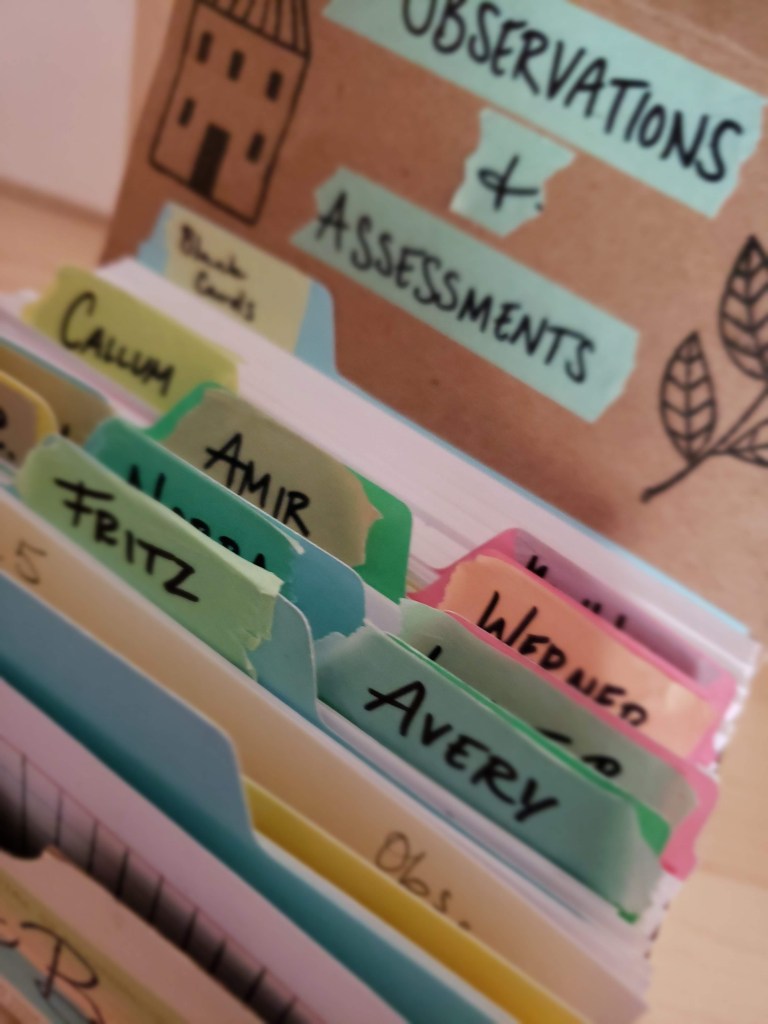
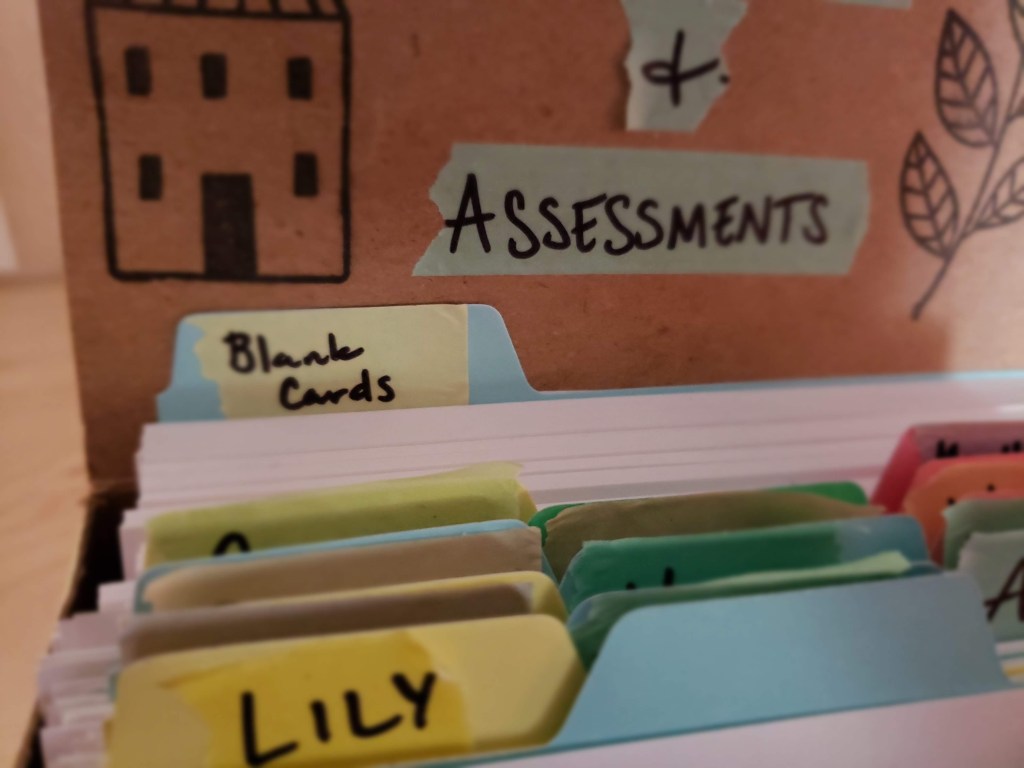
After decorating it with some Washi tape and stamps, I added tabbed notecards to make files for each student.
I also placed blank index cards in the back to easily grab.

The last piece I added was a milestones file to give me a quick overview of the goals and rubrics I am observing for. As I am currently in an infant room, mine are monthly milestones!

Lesson Plans

Me on a Map and All About Me! Booklet

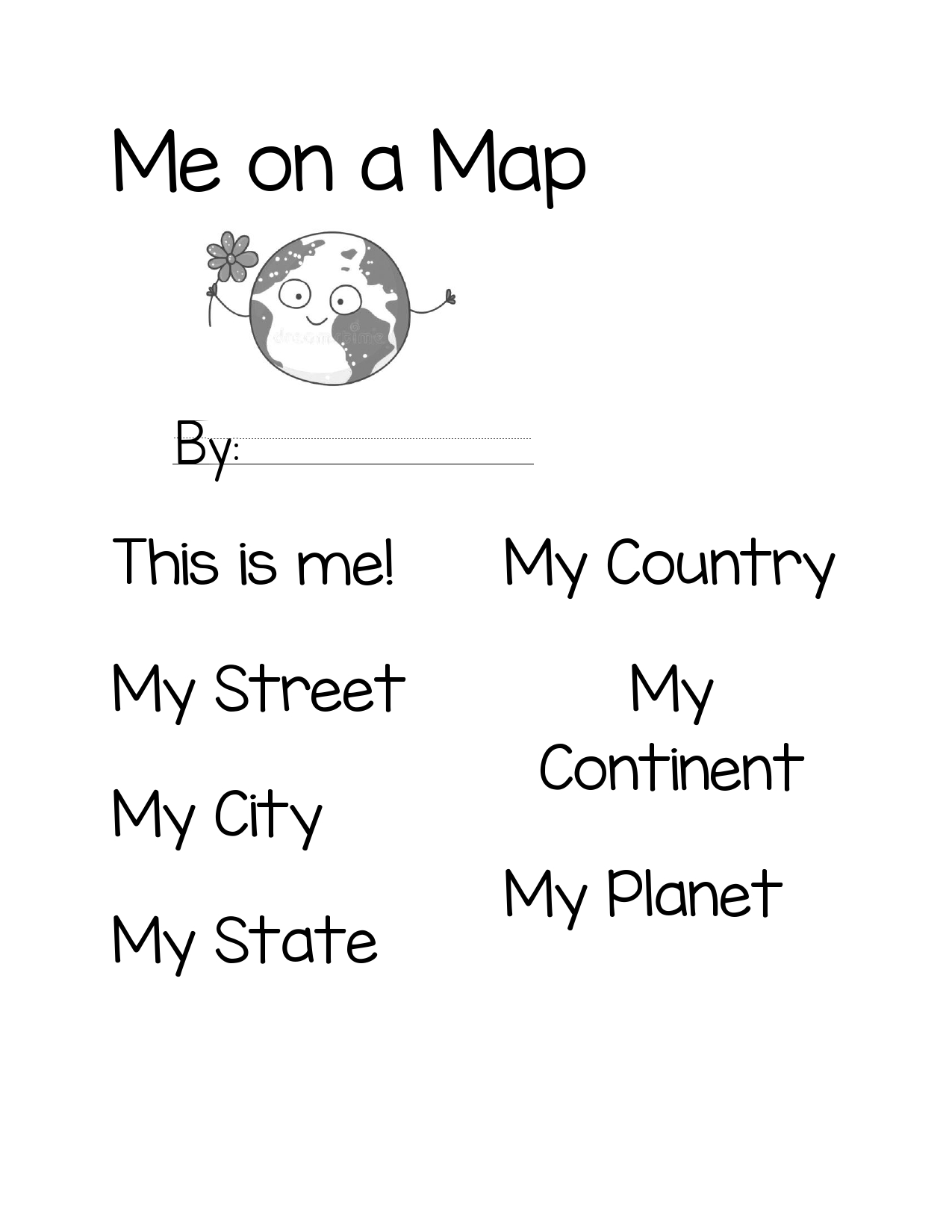
In social studies, students are asked to think about not only themselves, but the bigger picture of what they belong to – communities, neighborhoods, states, etc. I created these booklets to help with this thinking process.

Intended for Kindergarten, teachers can start with the “Me on a Map” titles, which starts big (my planet) and ends small (me). Students can cut out the labels and draw pictures about what they learn. This can be done in a booklet, page, or poster. Completing this portion took around a week in my kindergarten.

PDF Link for Me on a Map

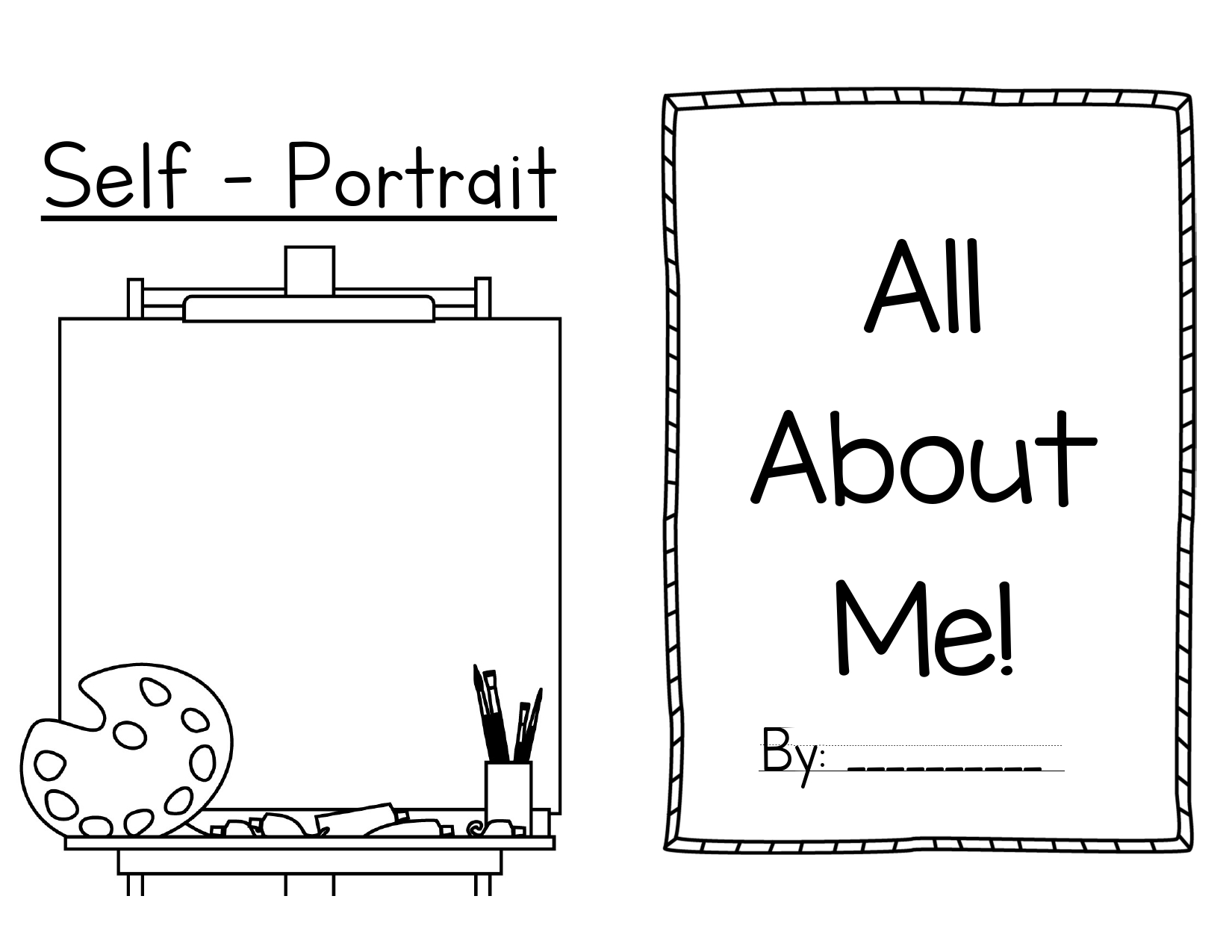
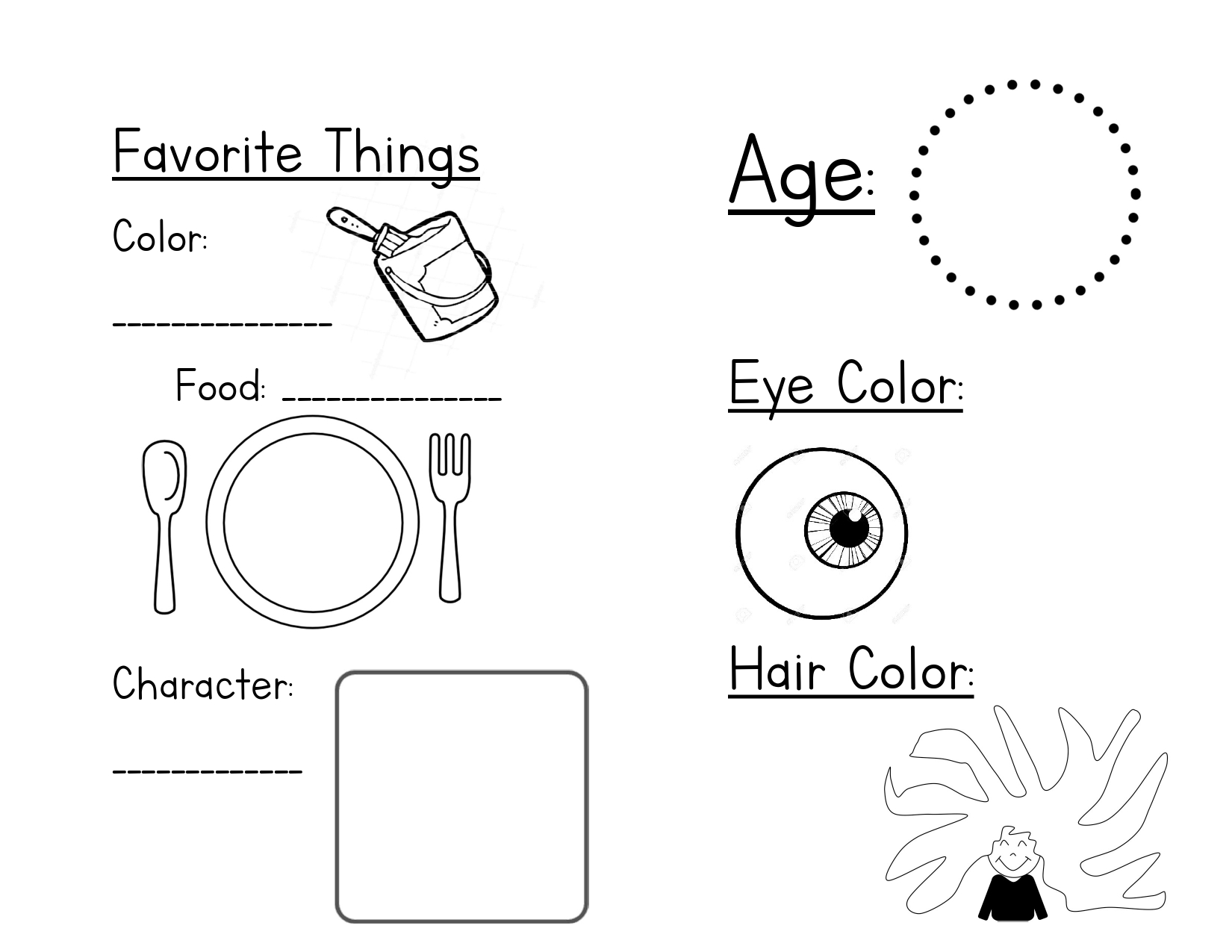
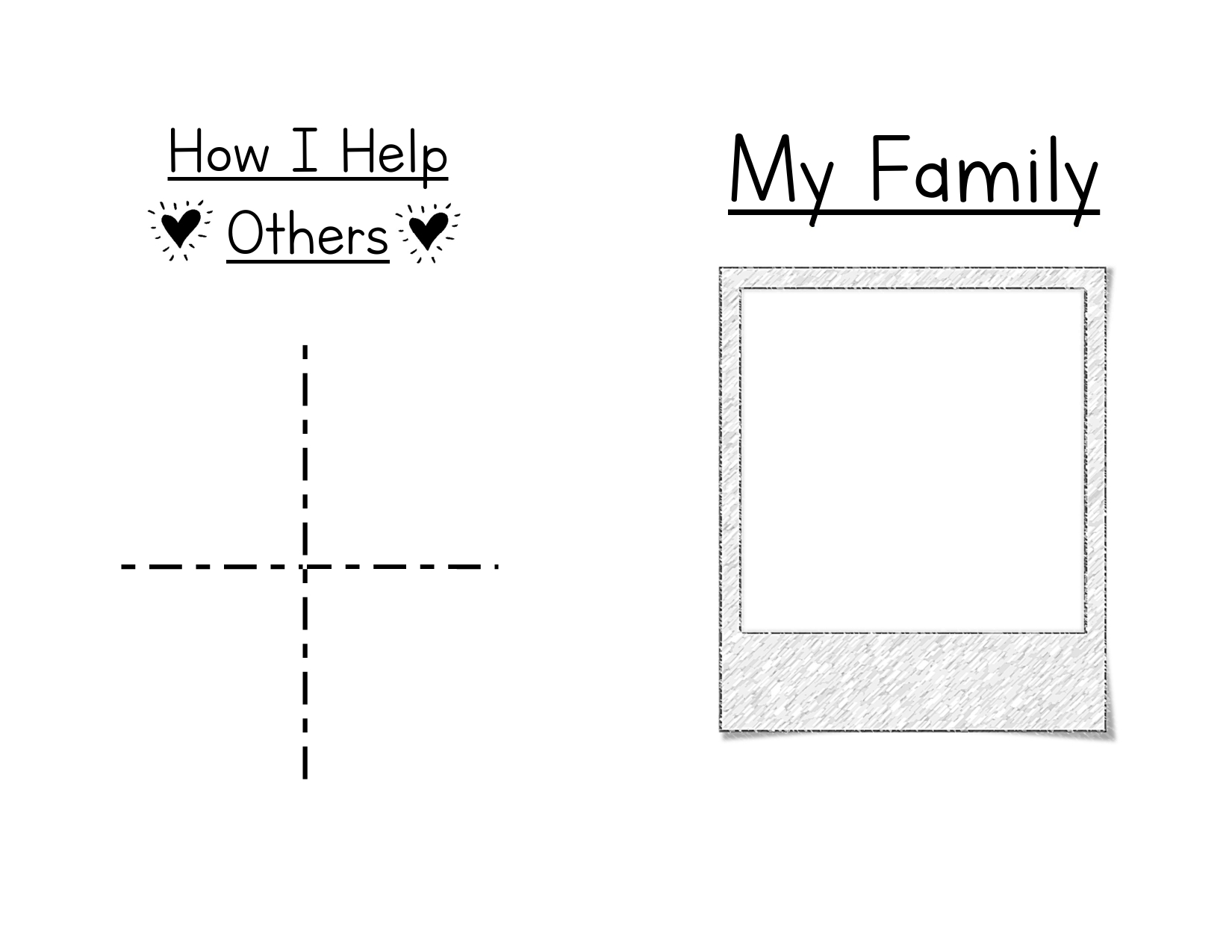
Afterwards, students can move on to the All About Me! Booklet, which just need to be printed front to back, folded, and stapled! As students fill out the pages, they can think about what makes them special and how they help others. This is a great keepsake for them to take home and they are so fun to look at as a teacher!

PDF Link for All About Me!

Tools

Metaverse – Augmented Reality

Metaverse is an app that can be used on iPads or smartphones. Using the website, educators or students can create virtual reality experiences. The program is extremely open ended, allowing projects to be based on any subject. At the end, students can even share their creations, making their work more meaningful. They can included polls and collect data through the app as well.

Metaverse Website: https://studio.gometa.io/landing

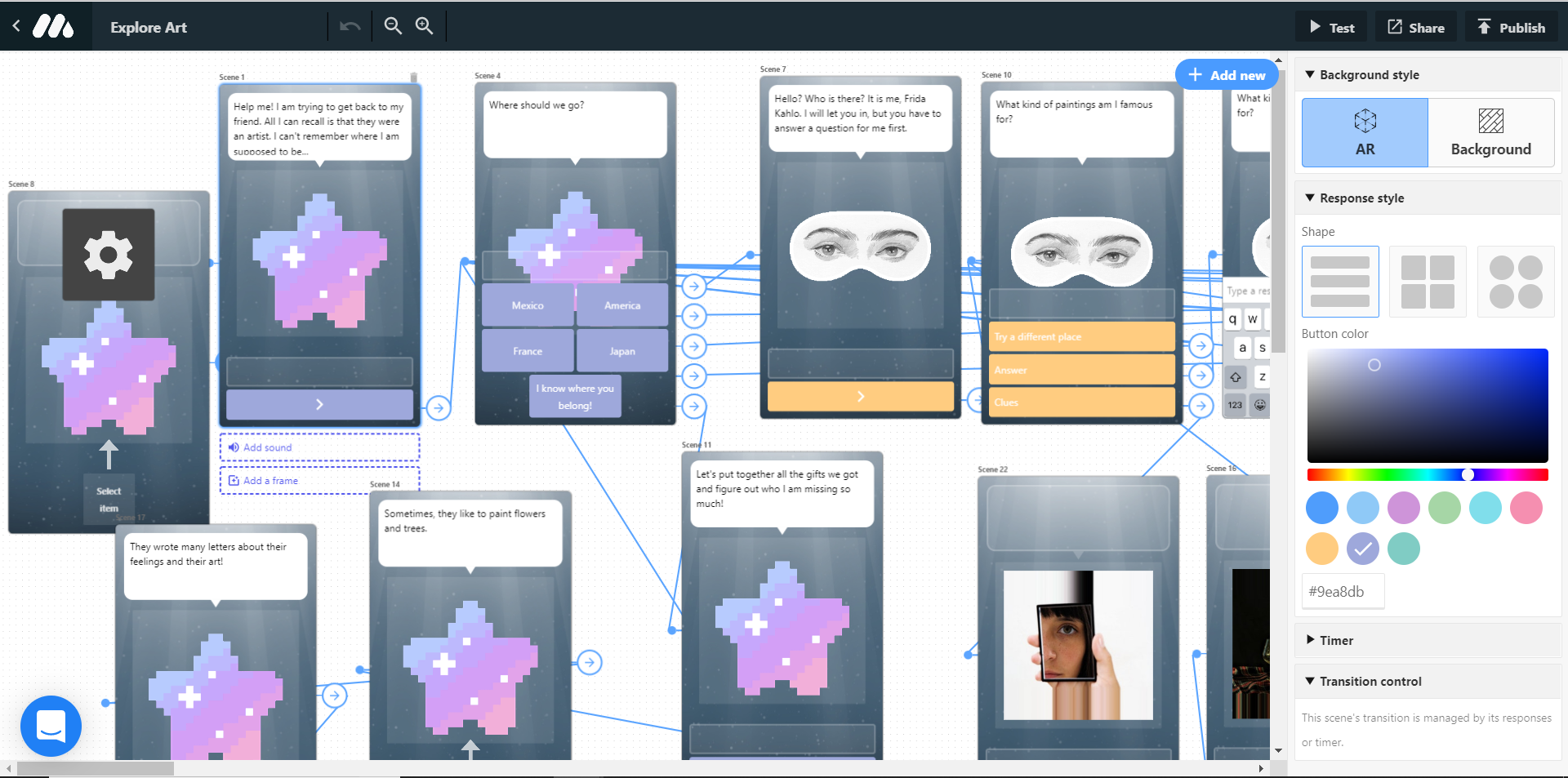
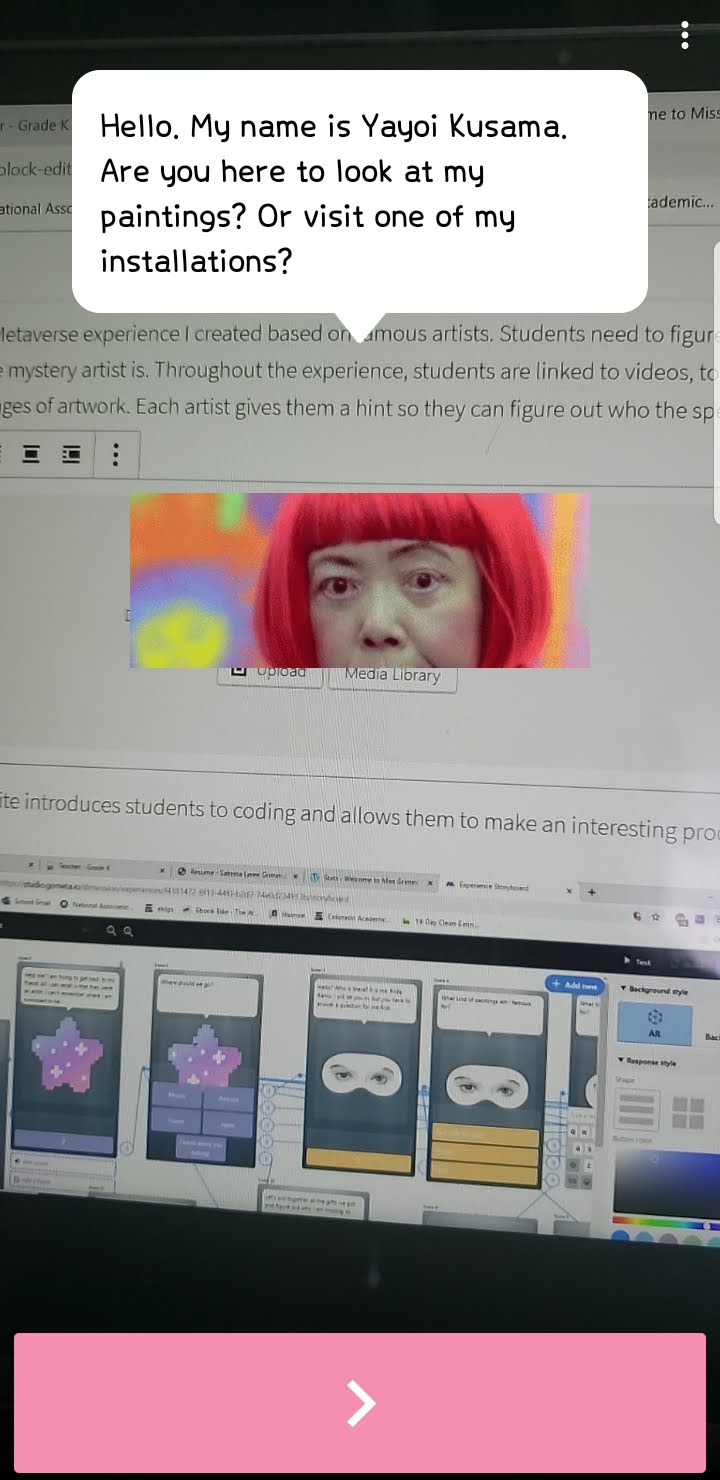
This website introduces students to coding and allows them to make an interesting product. Here is an example of the website as you build your experience:

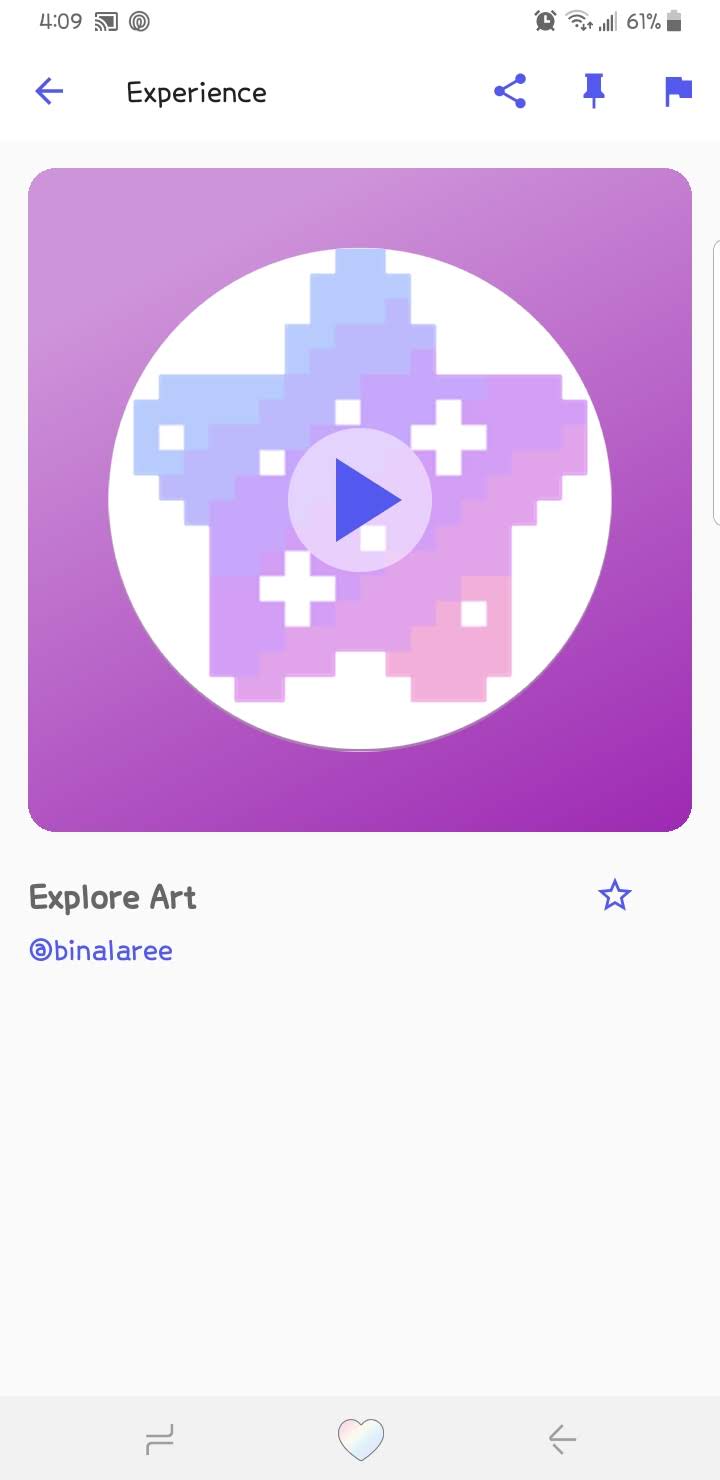
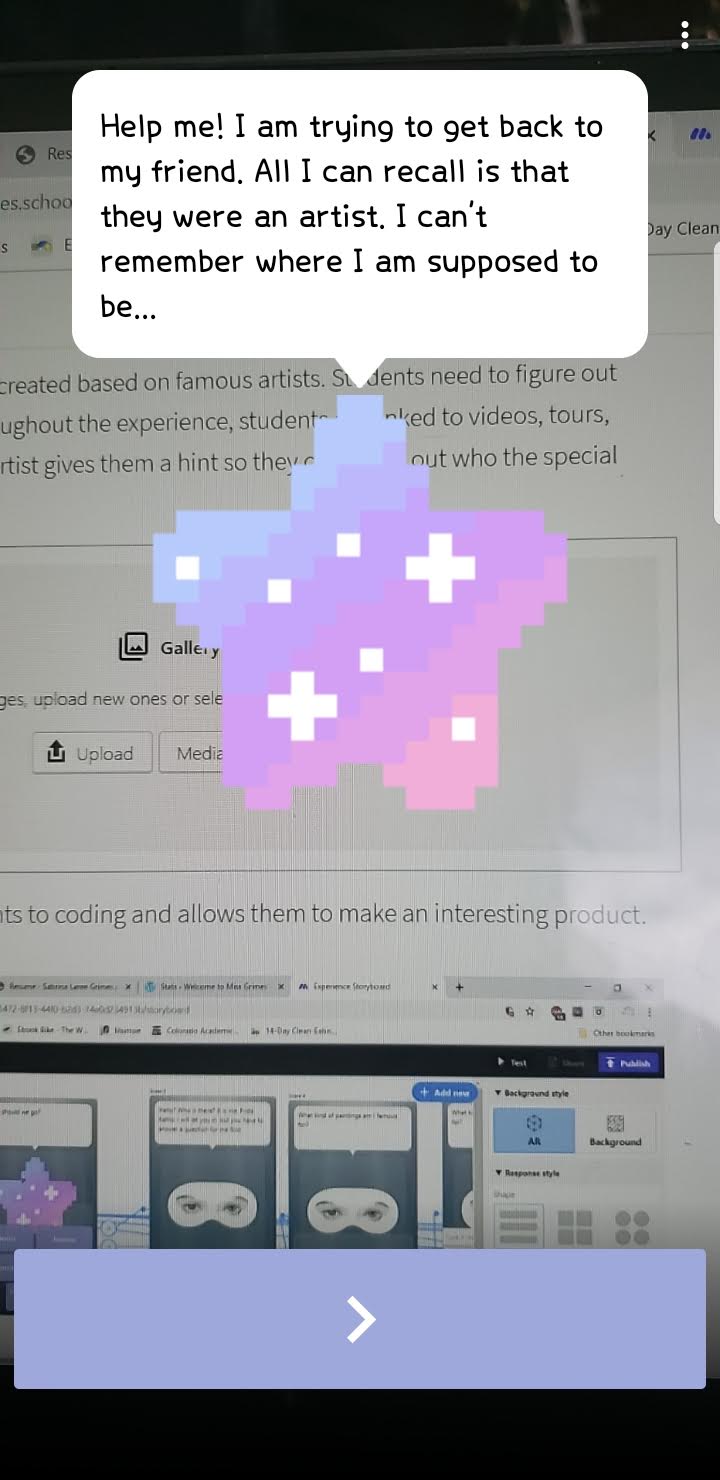
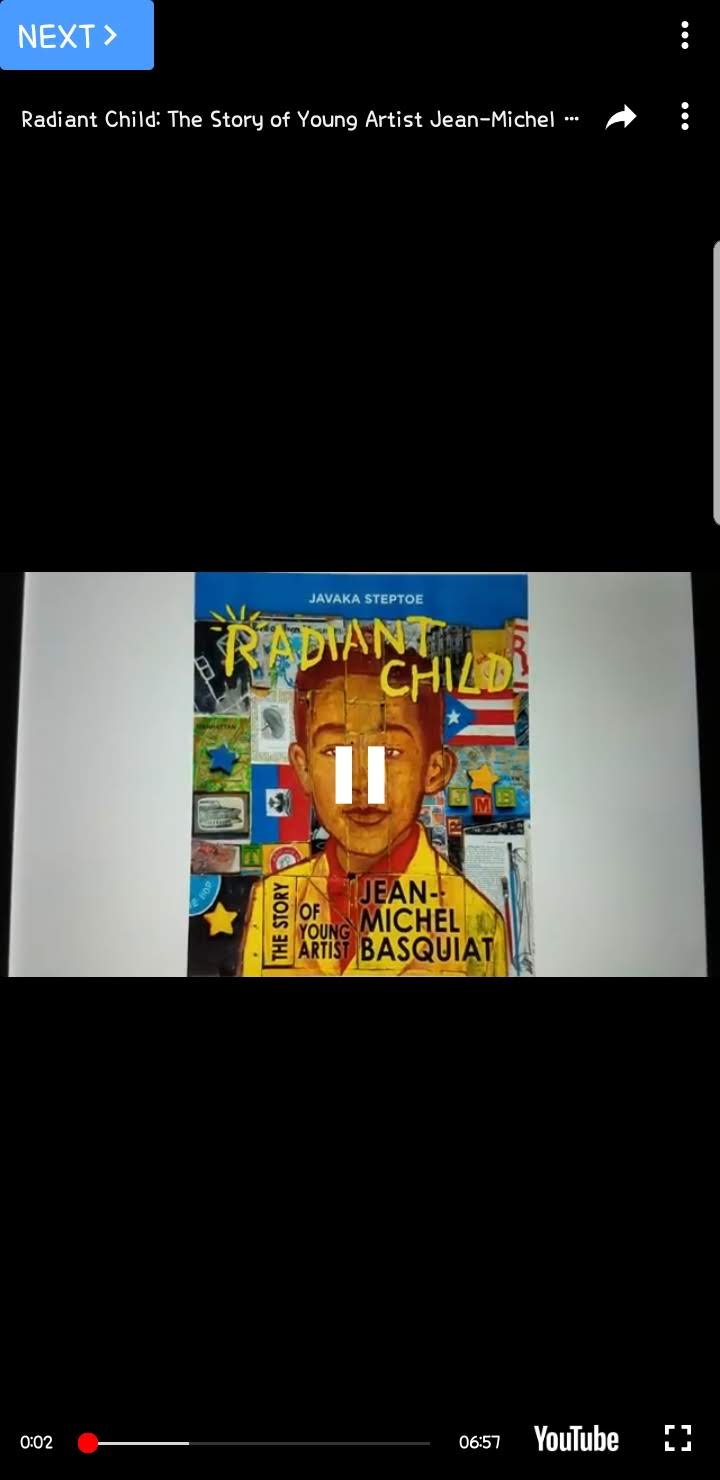
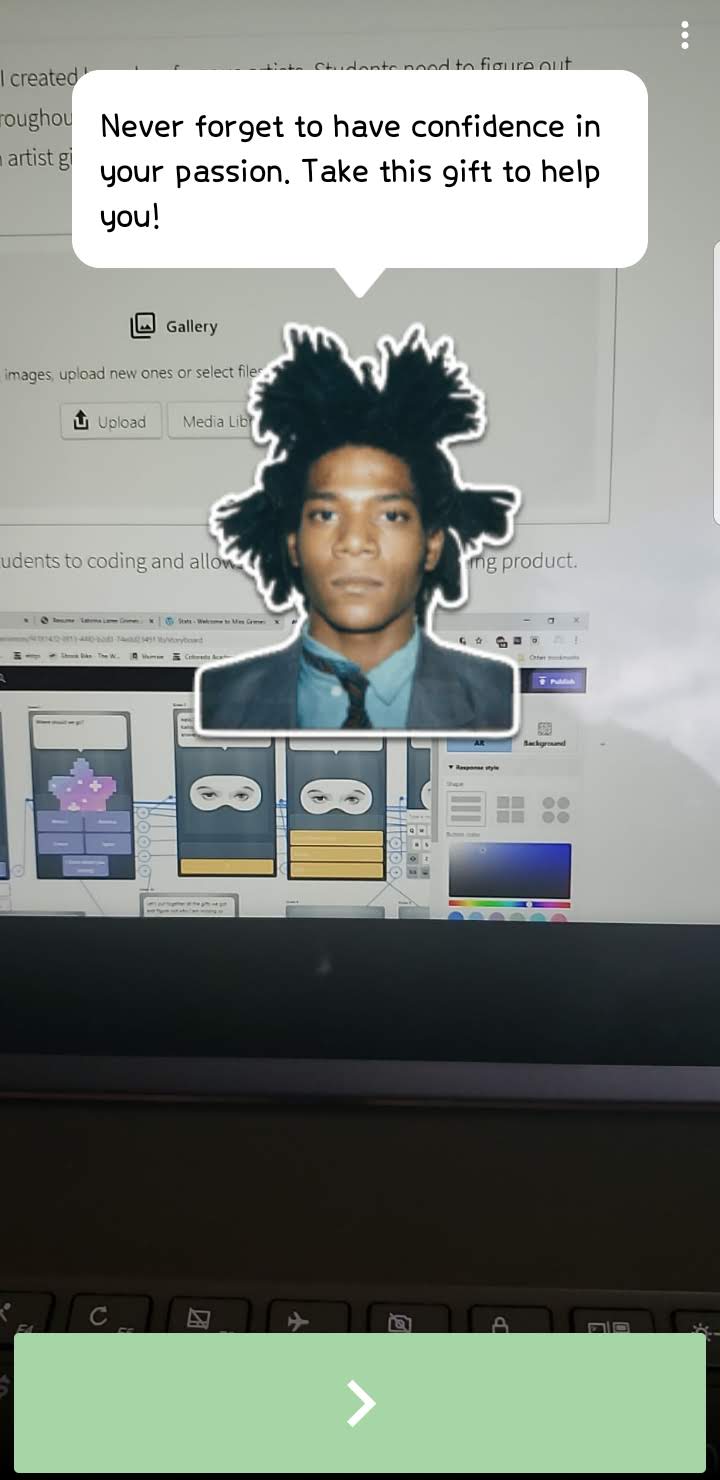
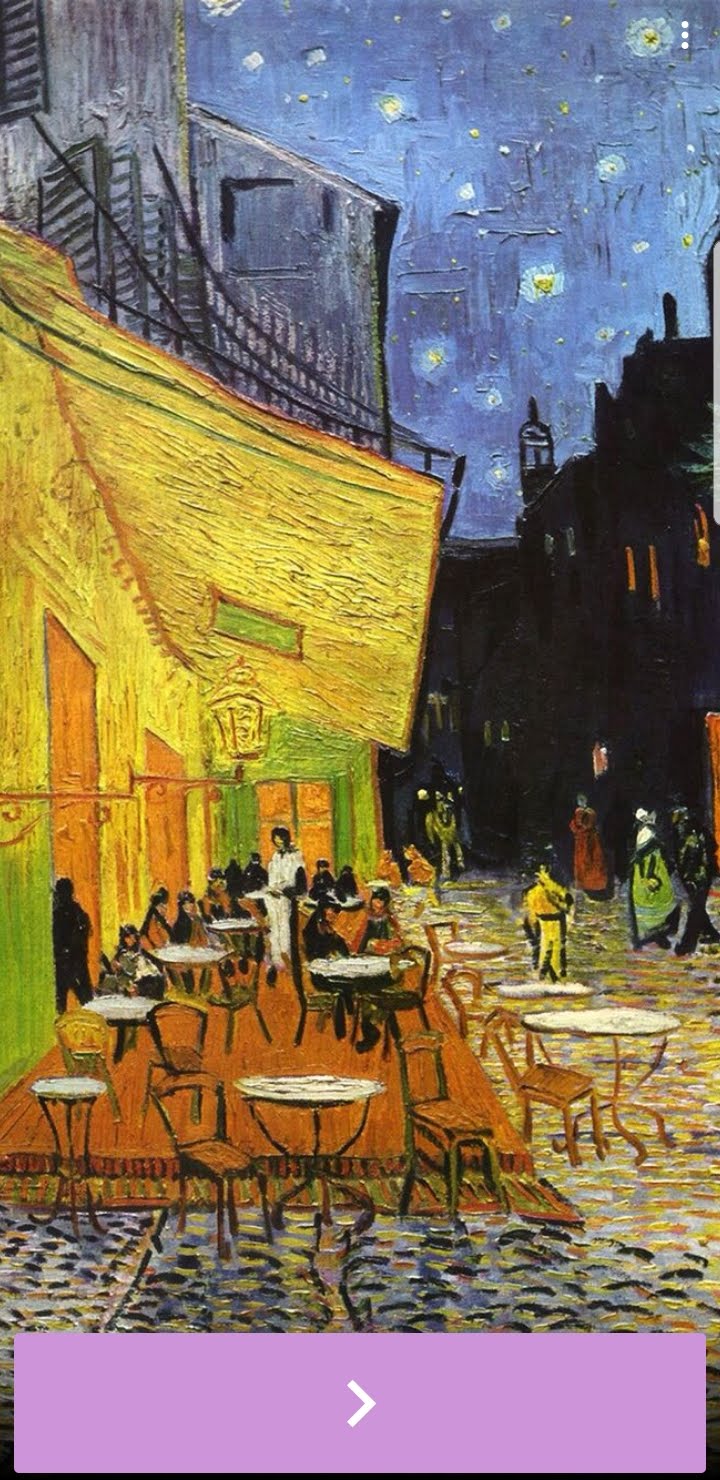
This a Metaverse experience I created based on famous artists. Students need to figure out who the mystery artist is. Throughout the experience, students are linked to videos, tours, and images of artwork. Each artist gives them a hint so they can figure out who the special artist is!

Link to my Metaverse experience: https://mtvrs.io/BlackWaterloggedSnowgeese

Tools

Google My Maps

Google My Maps can be a great tool for teachers to help bring students to new places. Virtual field trips are possible using My Maps and older students can use My Maps for integrated technology projects. These are great for group projects as they can be worked on from two different computers at once!

The link for Google My Maps: https://www.google.com/mymaps

You do need a google account in order to begin using Google My Maps.

Arctic and Antarctic Animals

US Landmarks

These two Maps are examples that older students or students with support can create for projects.

The Discovery and Beginning of Settlement of America

Animal Expedition

Tools

Using Newspapers

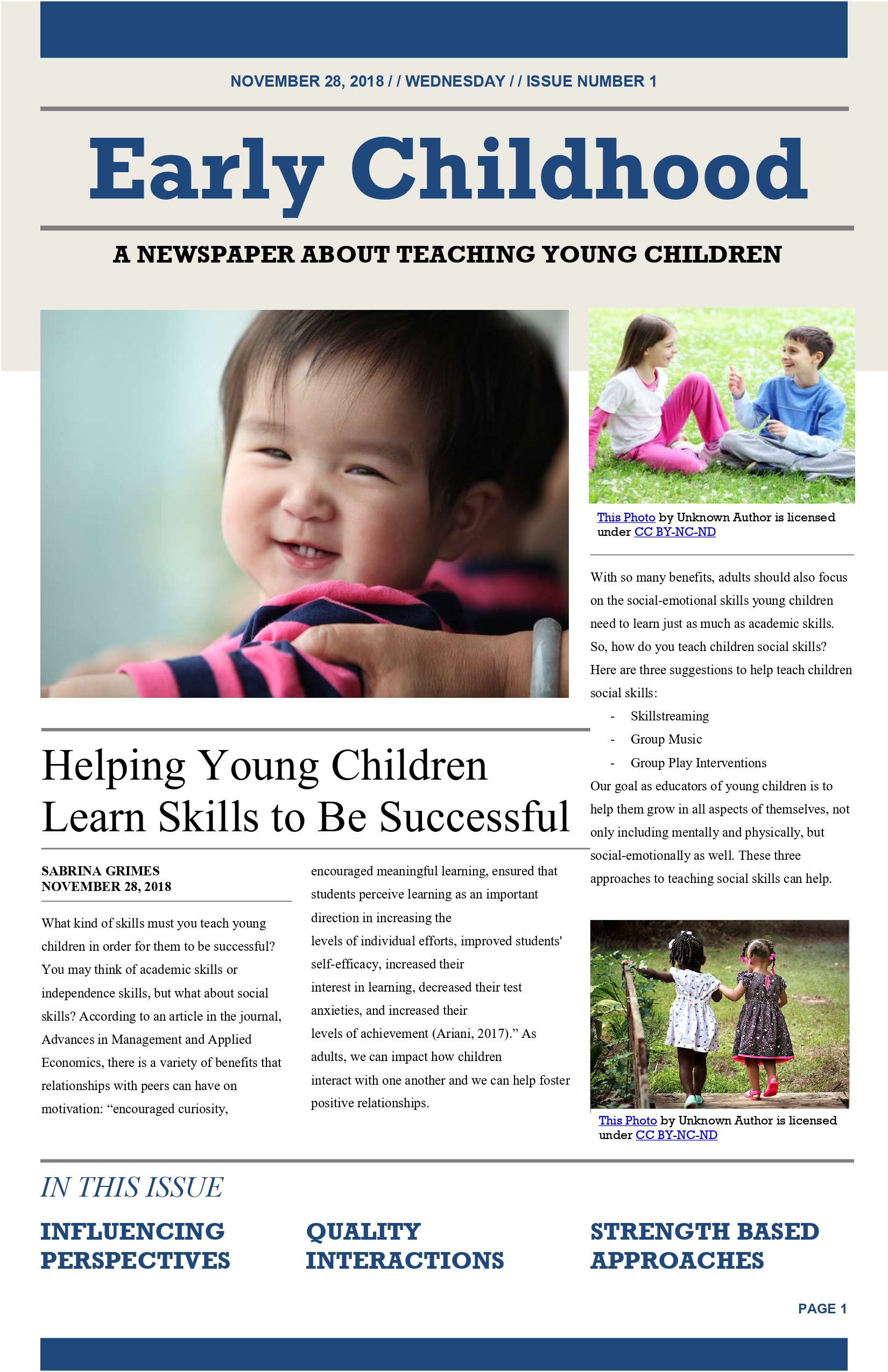
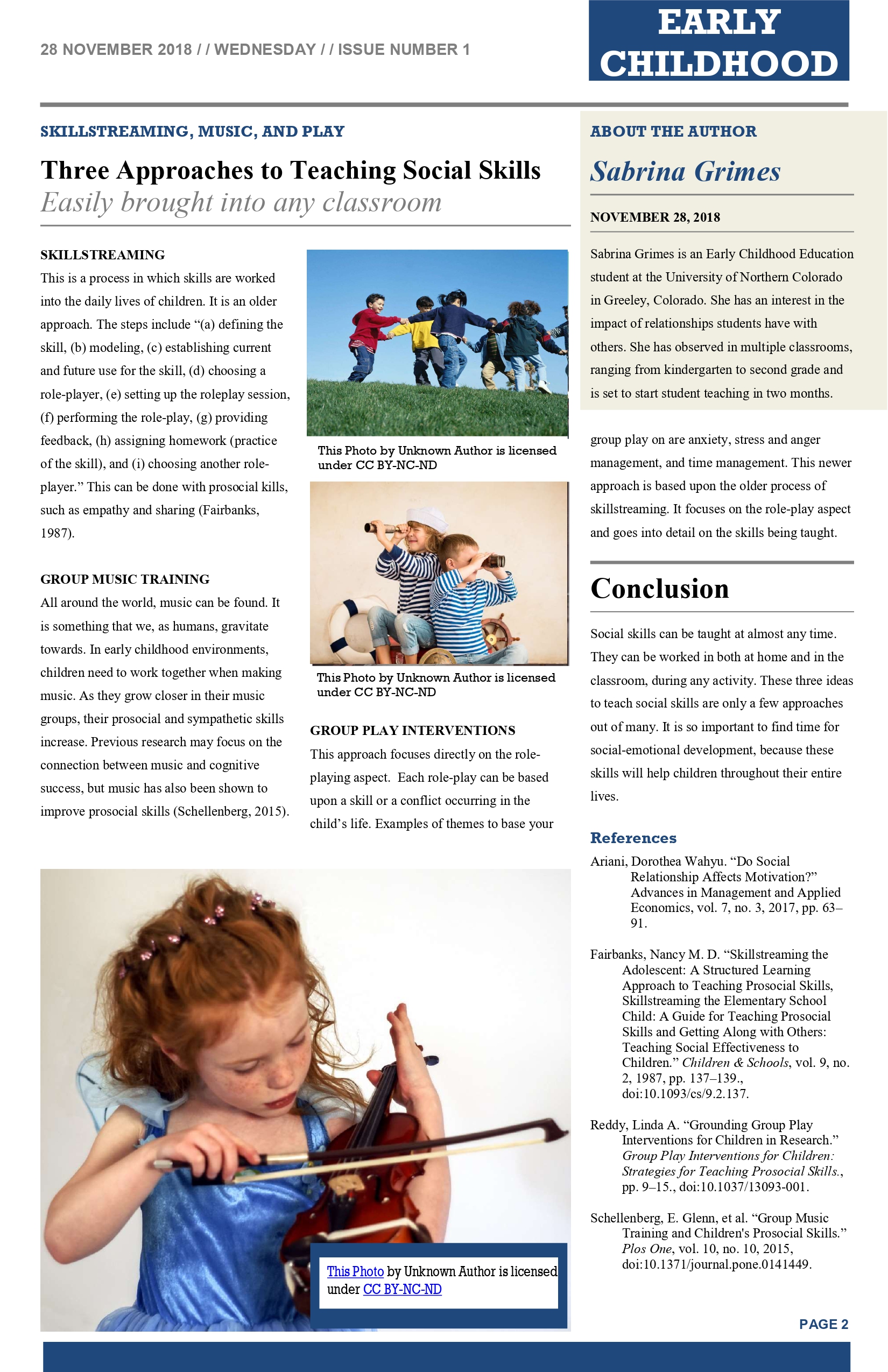
Newspaper articles are an effective and fun way to spread information. This can be done with staff, parents, or students. Students can create a newspaper article as a project, in groups or individually. Not only does this engage students, but it also helps them think about literature in their everyday lives. If students enjoy this, you could compile articles for class newspapers and keep them in the classroom library. This is an example and template I used to create an article about social skills:

PDF Link

Lesson Plans

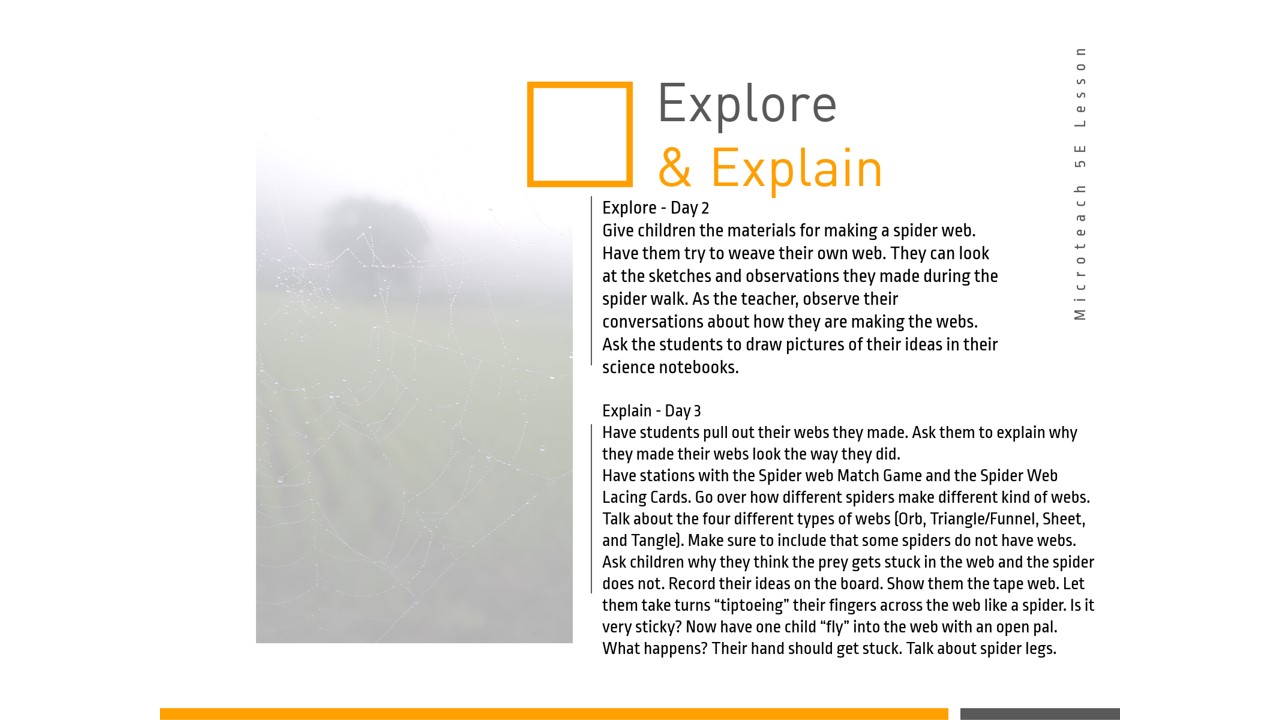
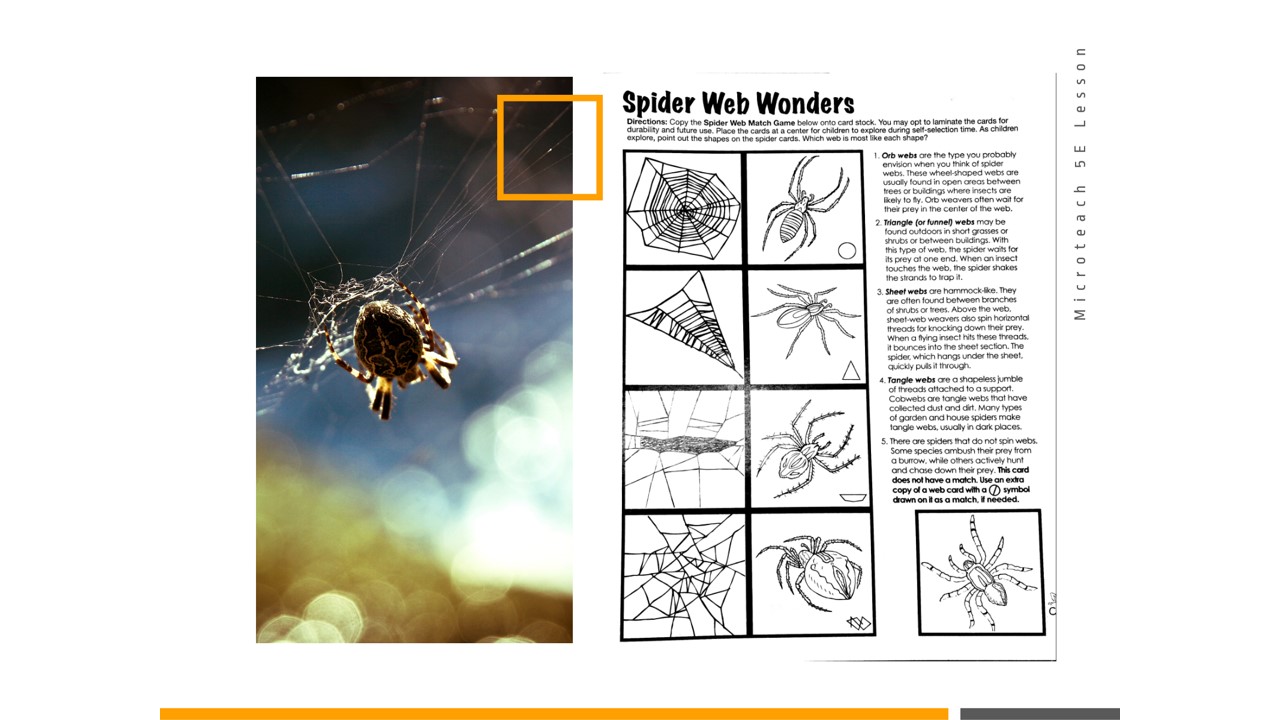
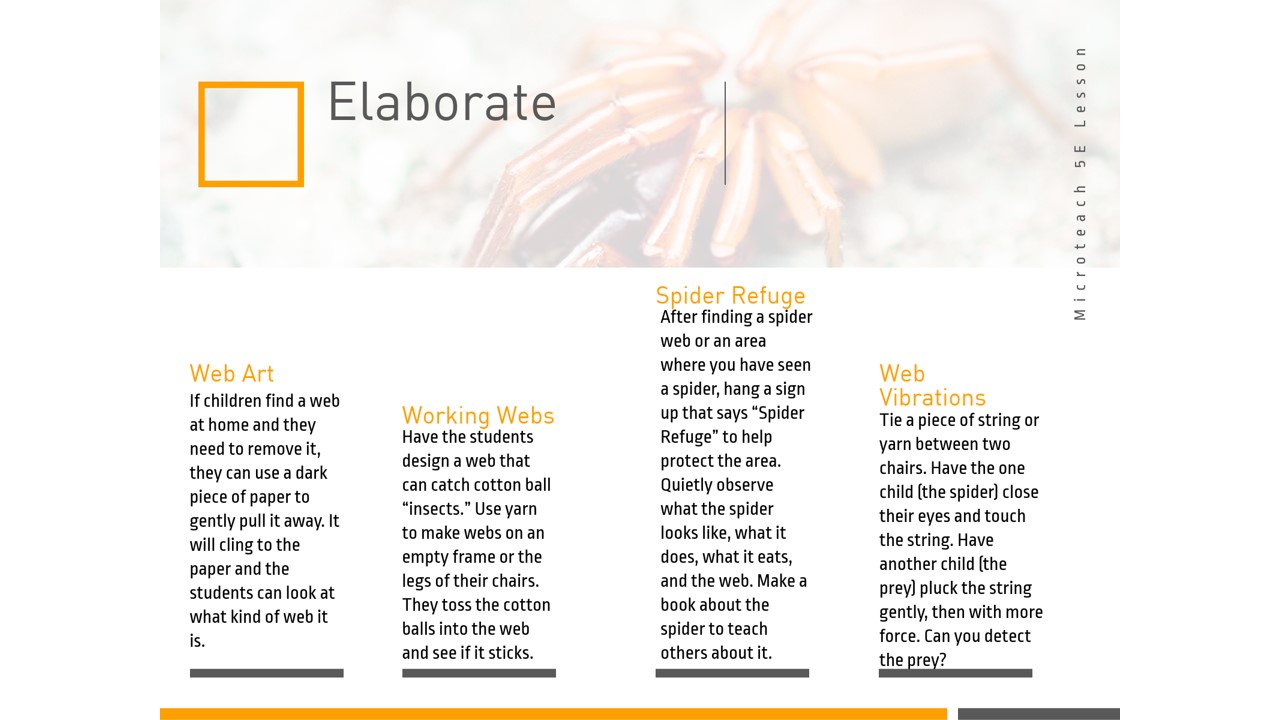
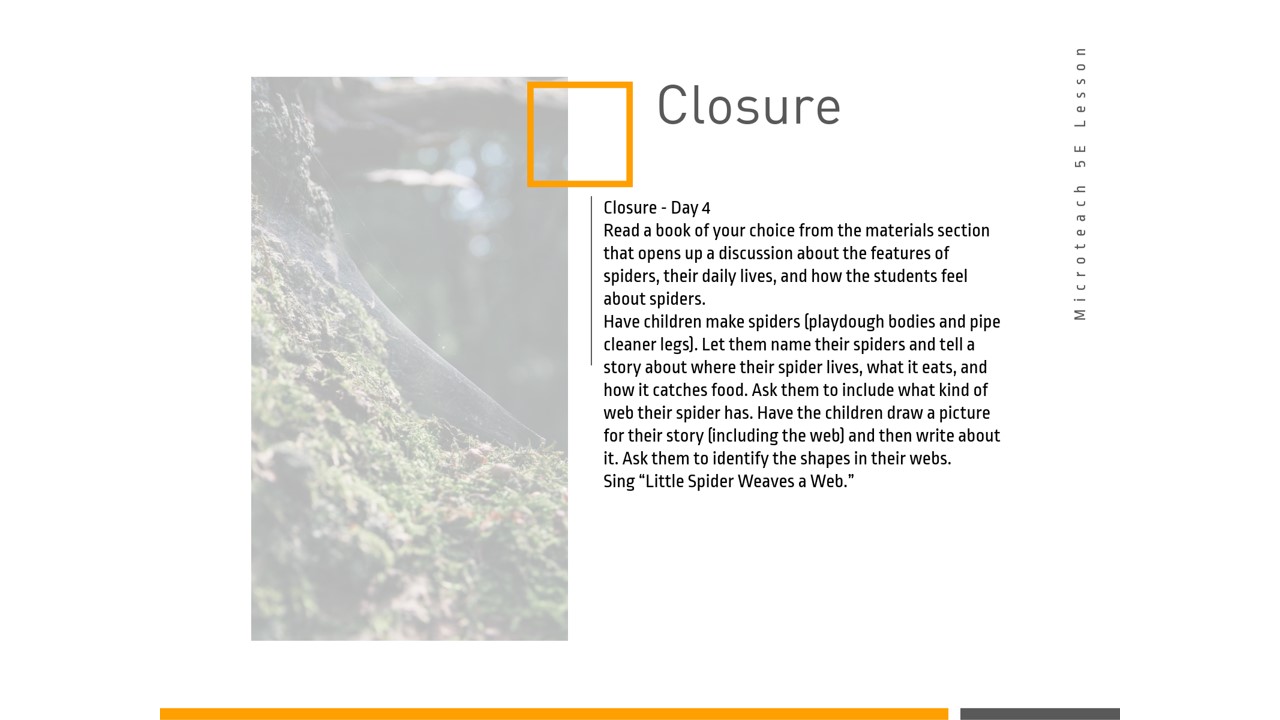
Spiders Are Important Too!

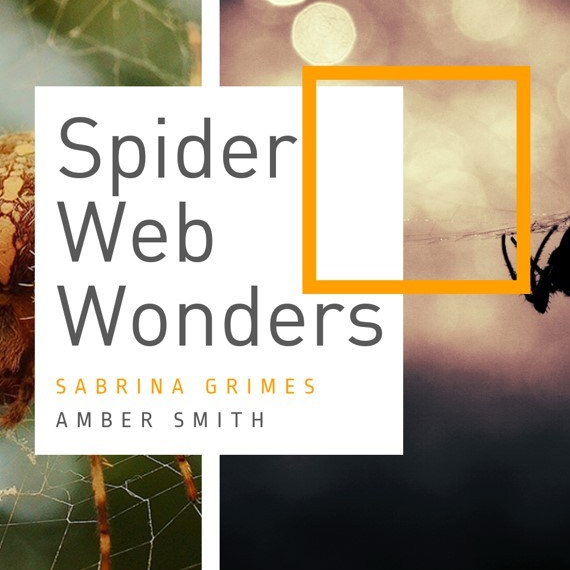
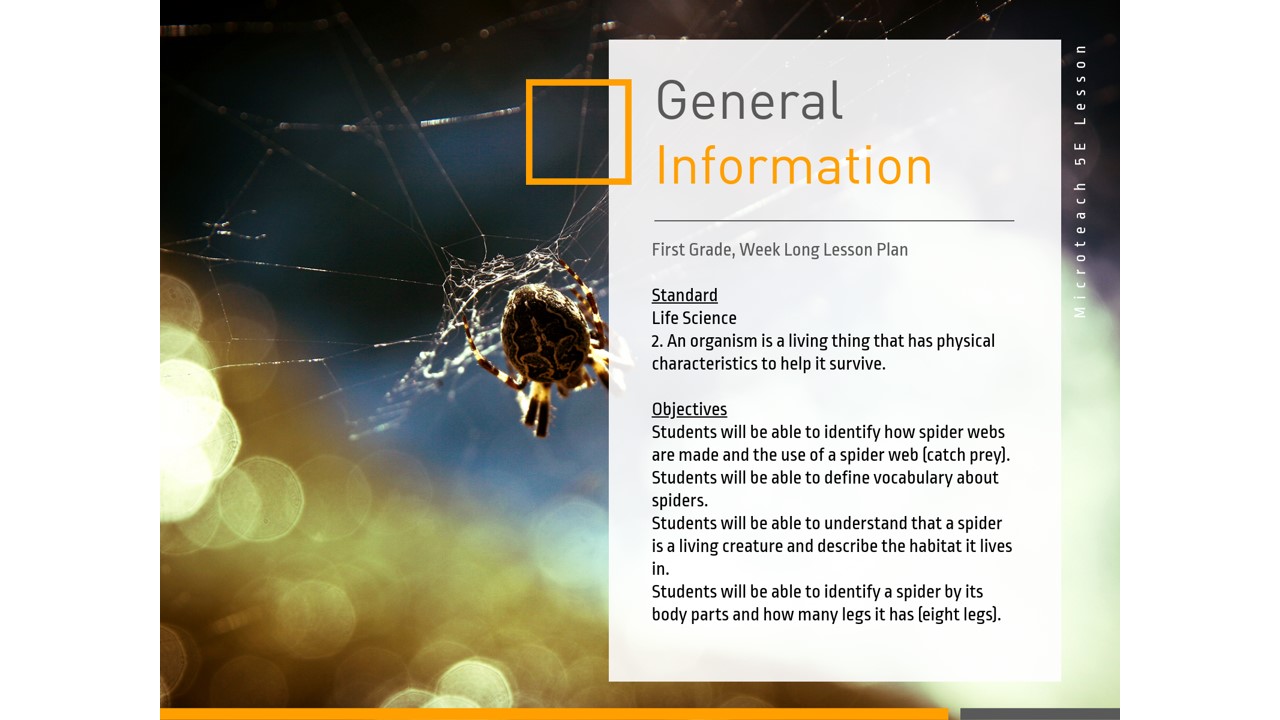
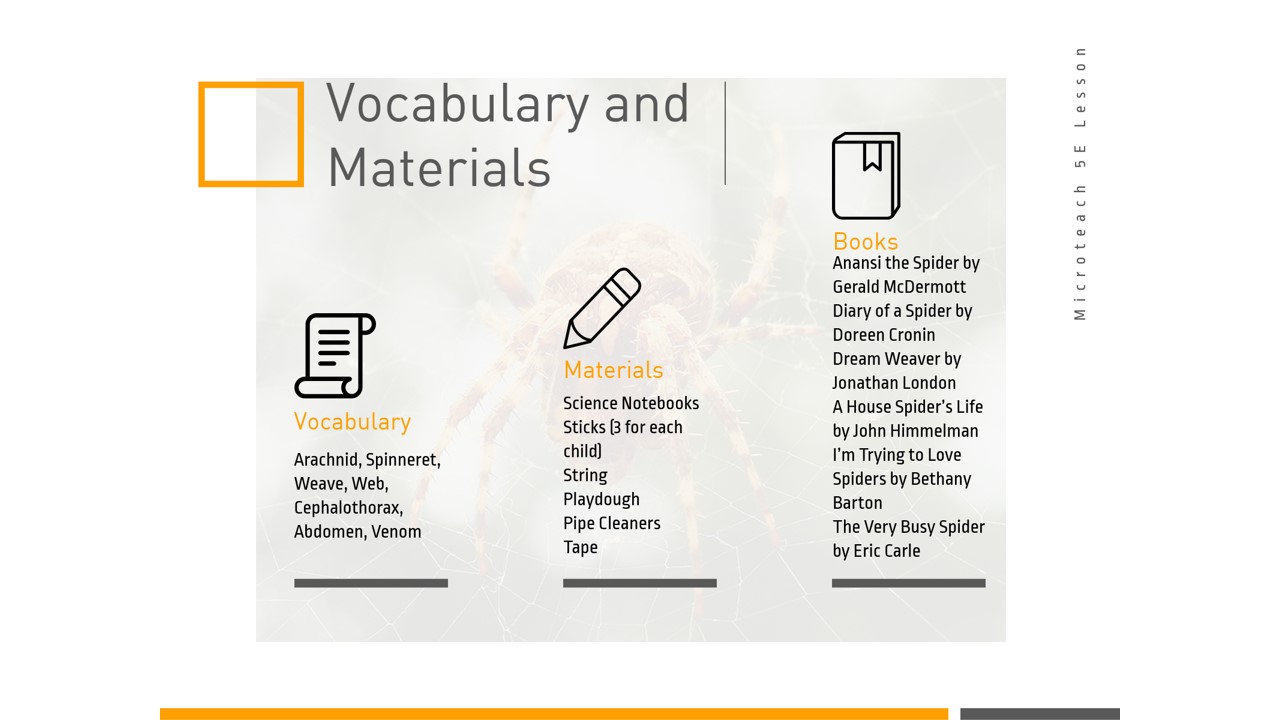
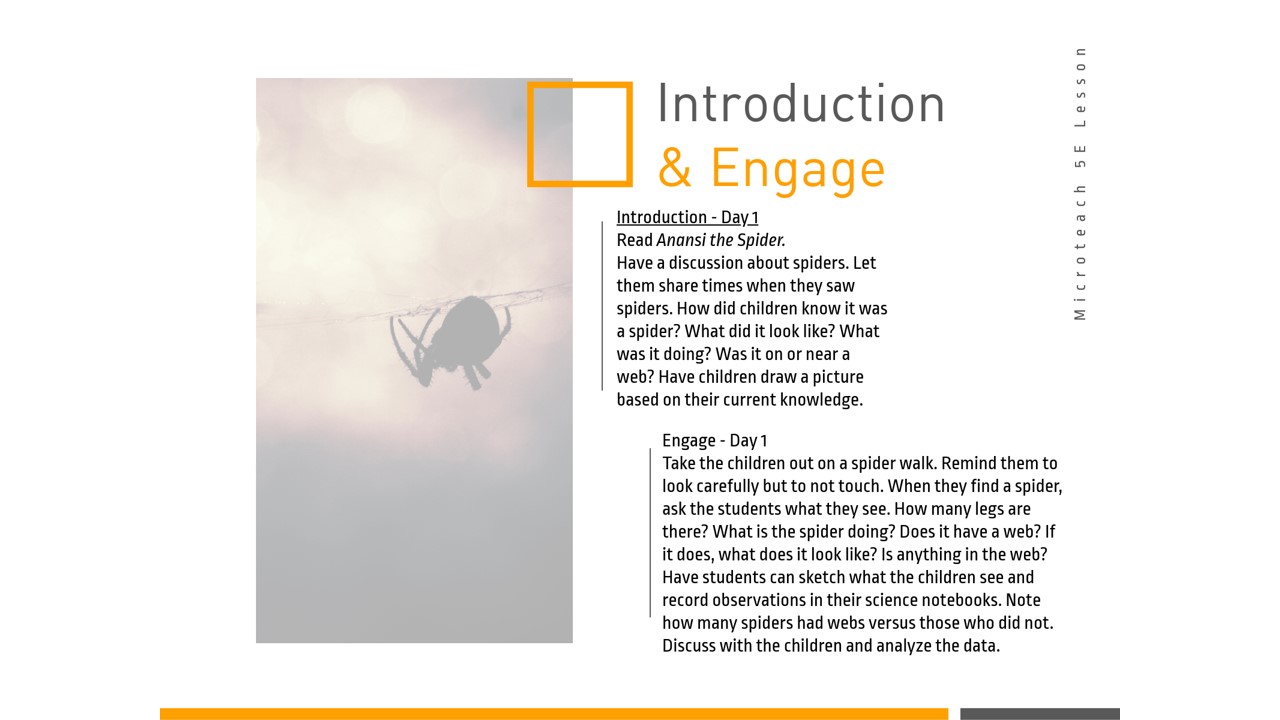
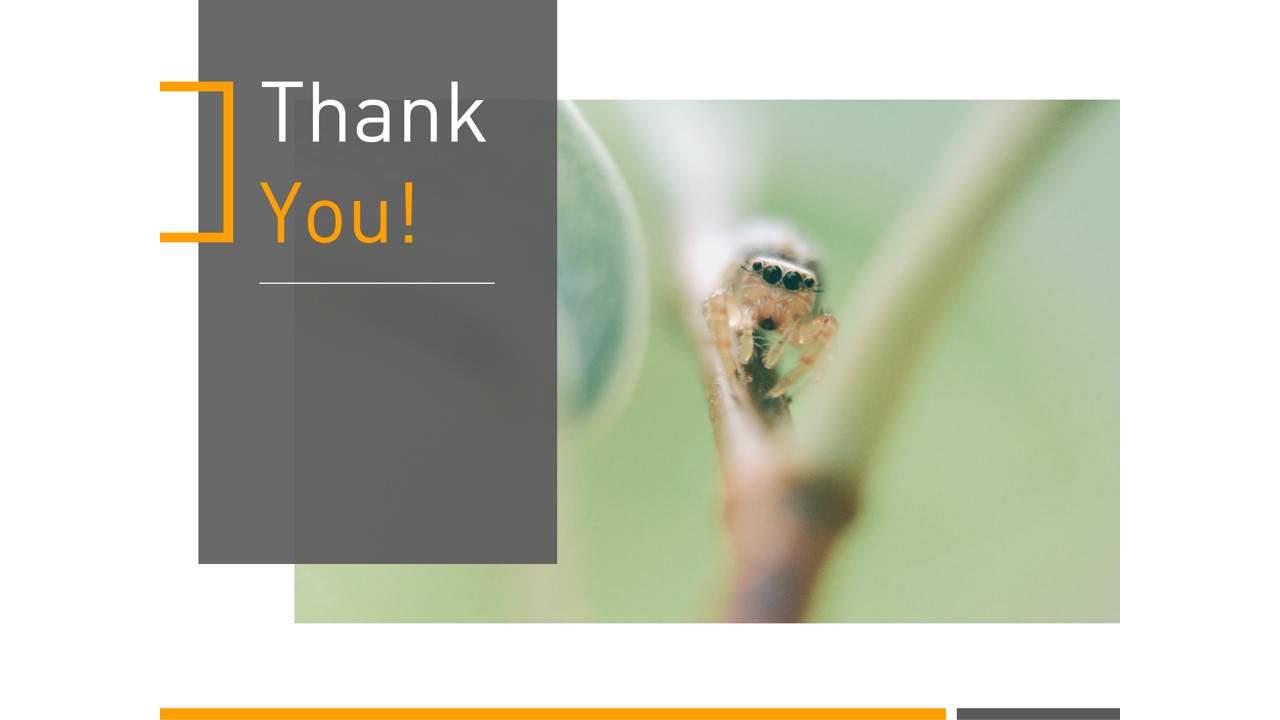
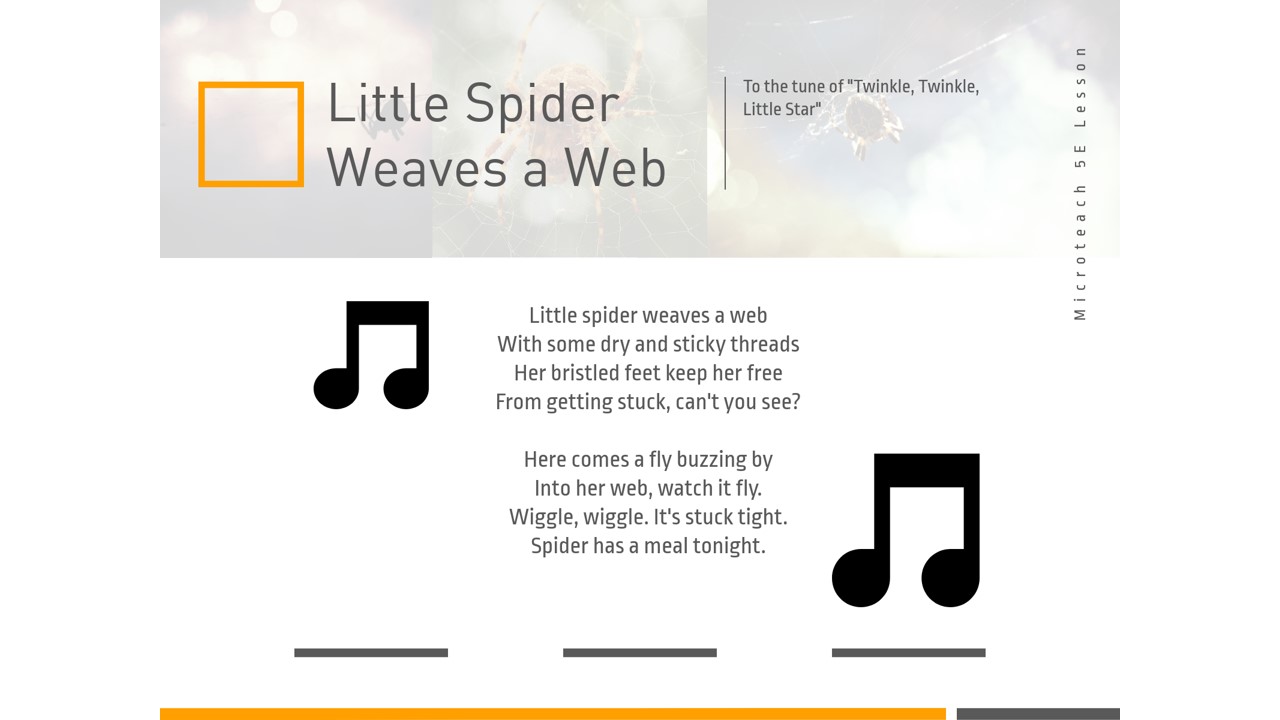
Spiders often have bad impressions, especially for young children. This compilation of lessons, displayed in the PowerPoint below, helps students understand what spiders are and how they use their webs. Through observation, literature integration, projects, and songs, students are able to learn about this organism using their scientist eyes! This was created with the help of my friend and 3rd grade teacher, Amber Smith.

Tools

Hearing Impairment Pamphlet

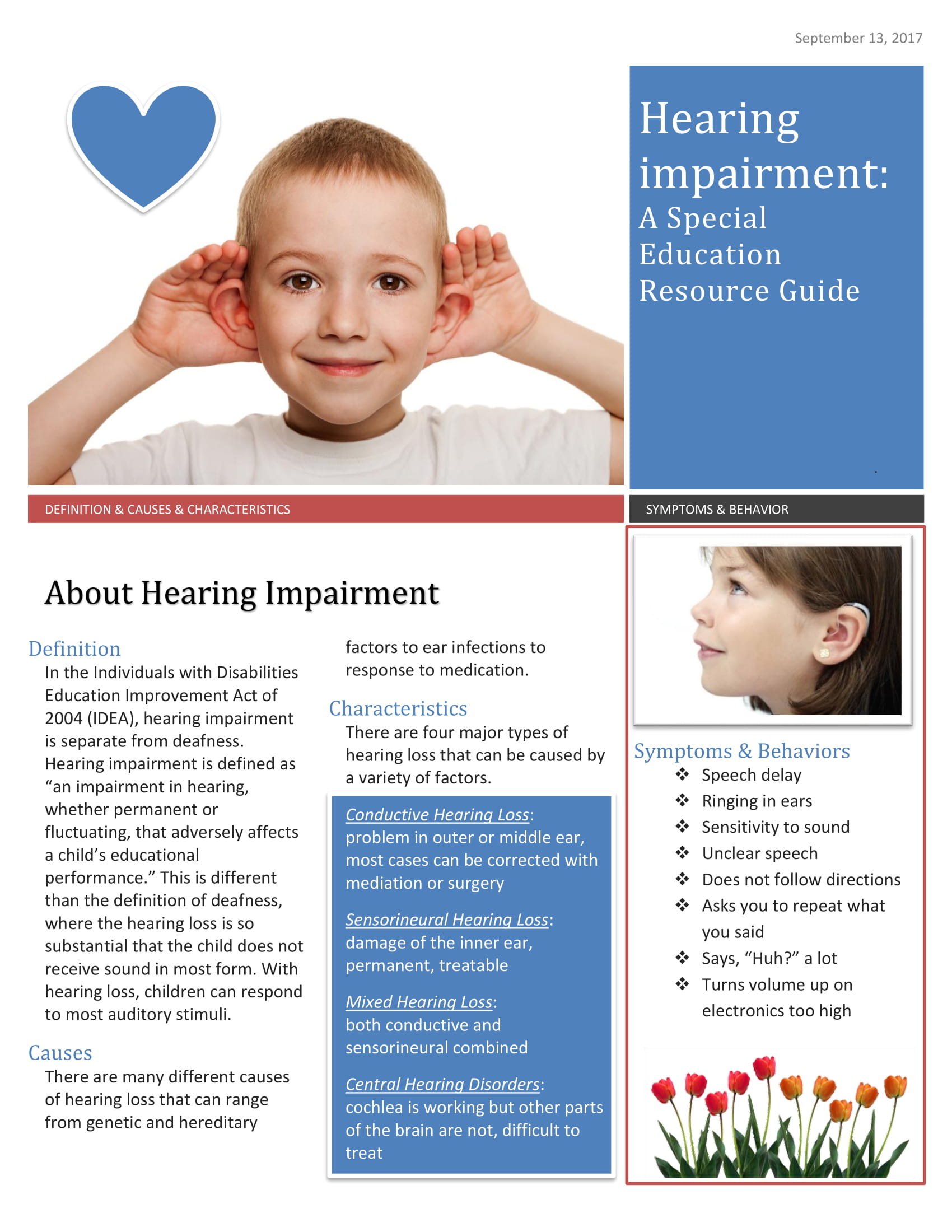
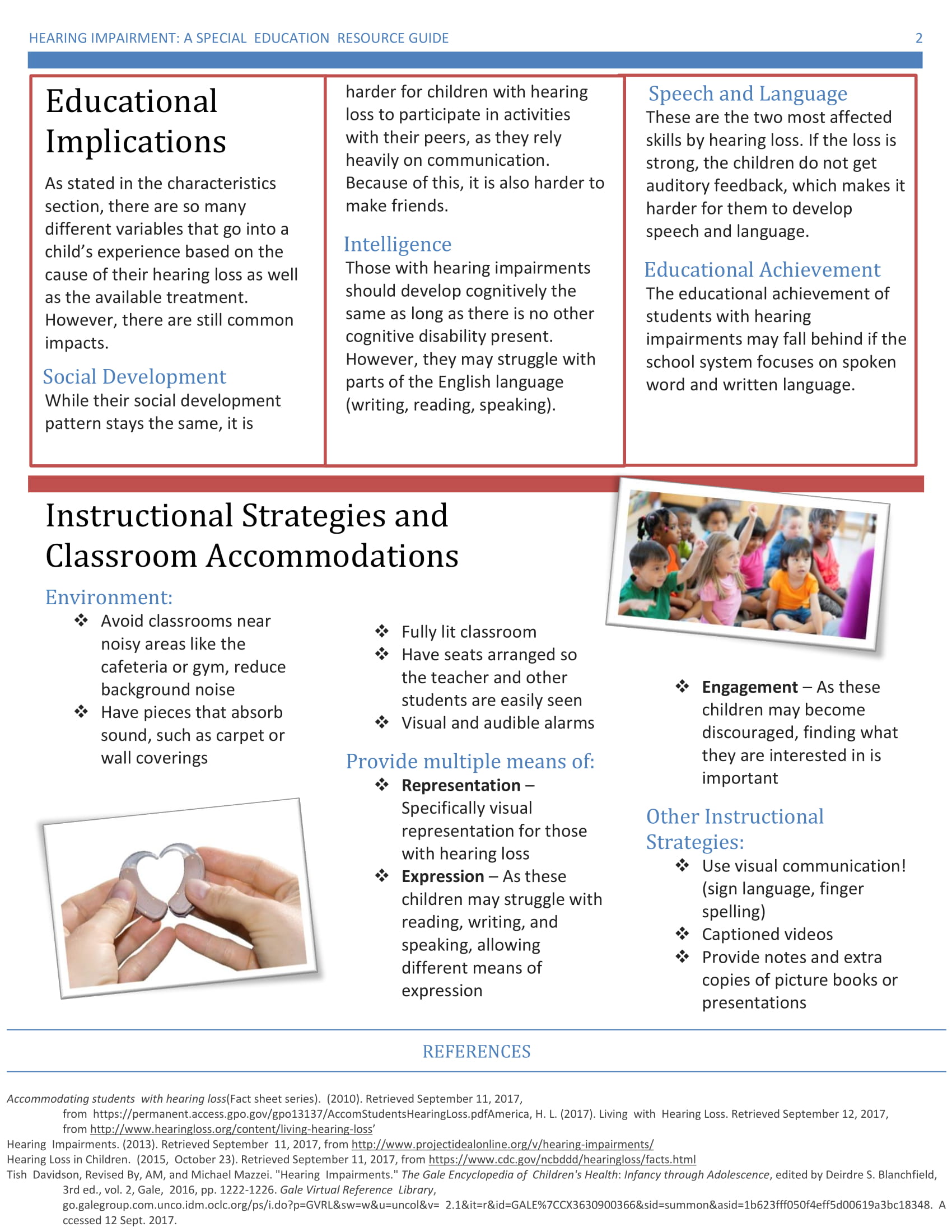
Pamphlets are a great way to spread information and communicate with parents and families. Pamphlets could easily be sent out through emails to save paper and still talk about something we want to spread awareness about. They can also be used to share information with other educators, including staff. Pamphlets can also be used to welcome parents to our classrooms! Here is an example of a pamphlet I made about hearing impairment in young children.

PDF Link