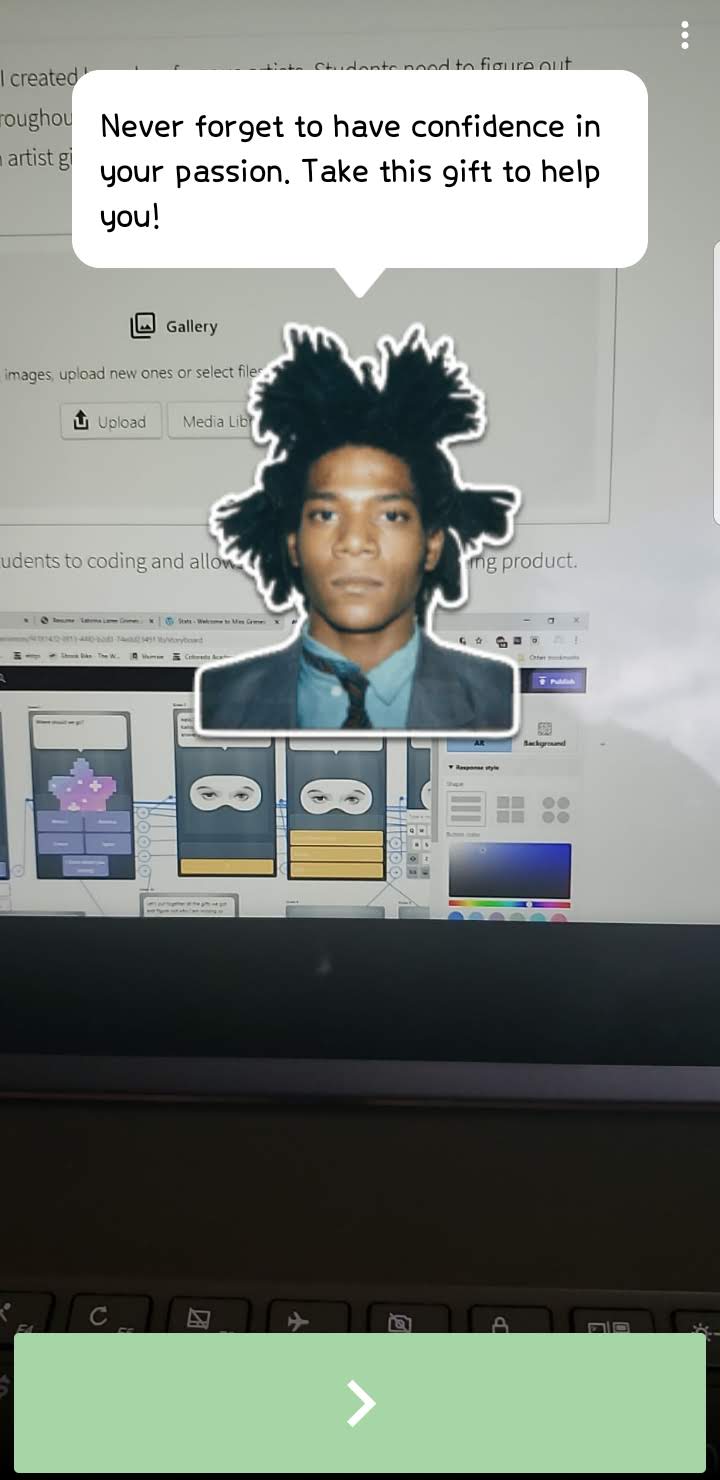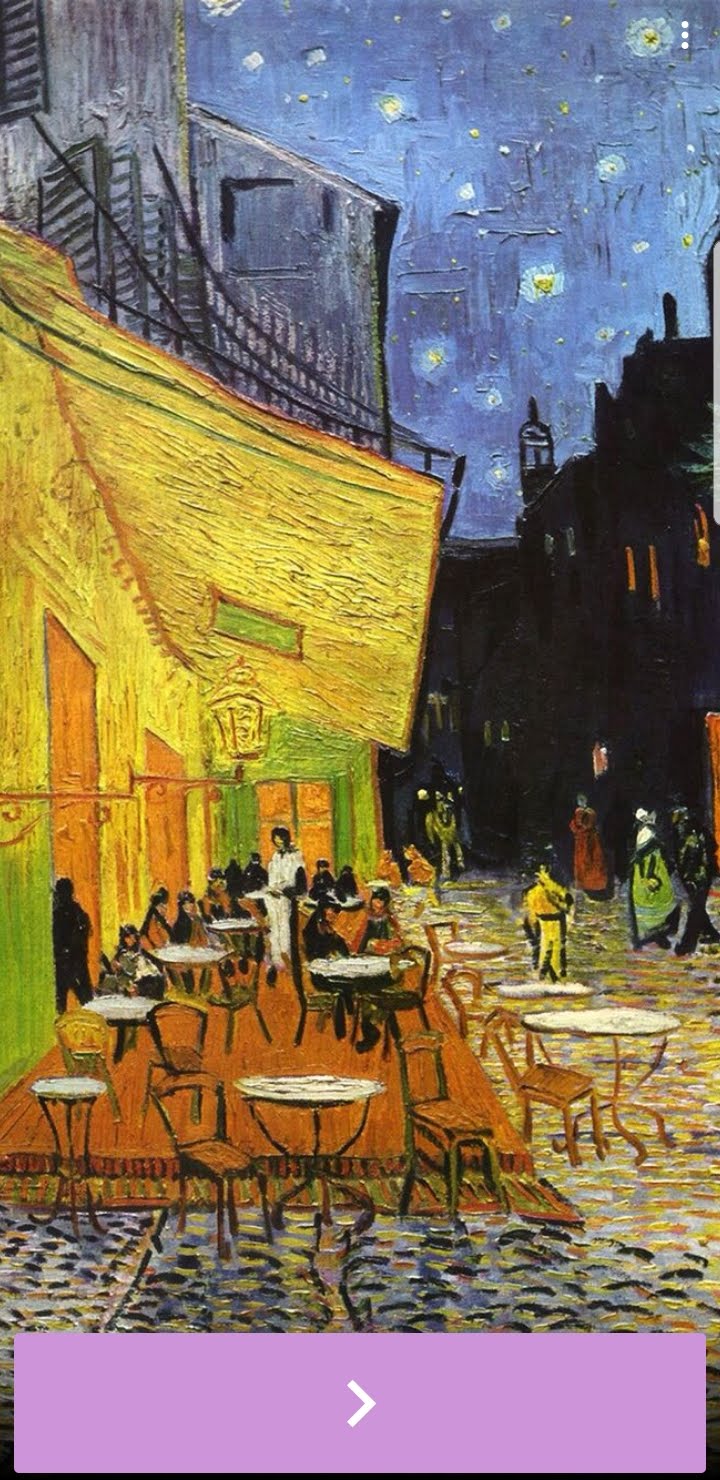
Metaverse is an app that can be used on iPads or smartphones. Using the website, educators or students can create virtual reality experiences. The program is extremely open ended, allowing projects to be based on any subject. At the end, students can even share their creations, making their work more meaningful. They can included polls and collect data through the app as well.
Metaverse Website: https://studio.gometa.io/landing
This website introduces students to coding and allows them to make an interesting product. Here is an example of the website as you build your experience:
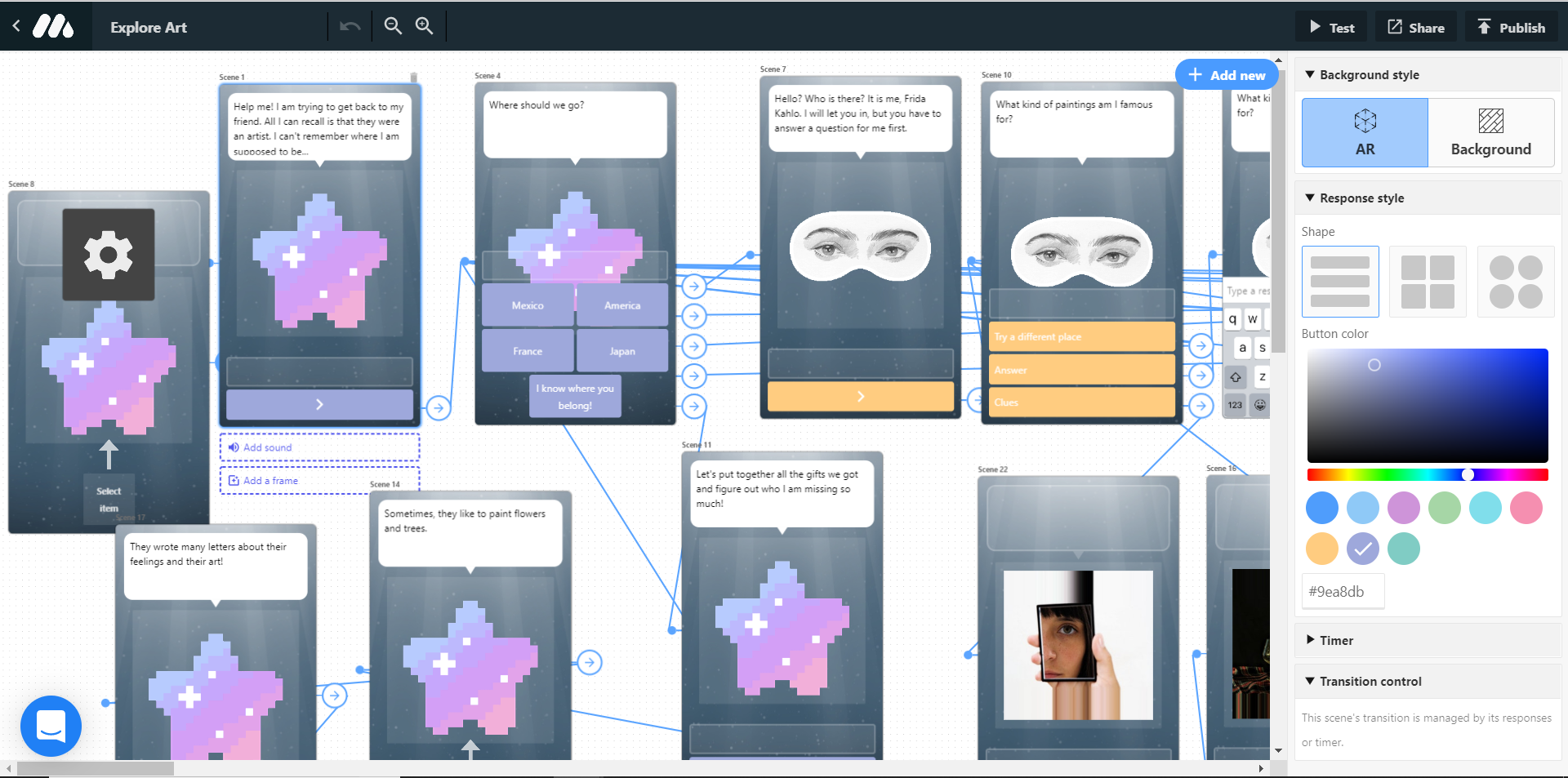
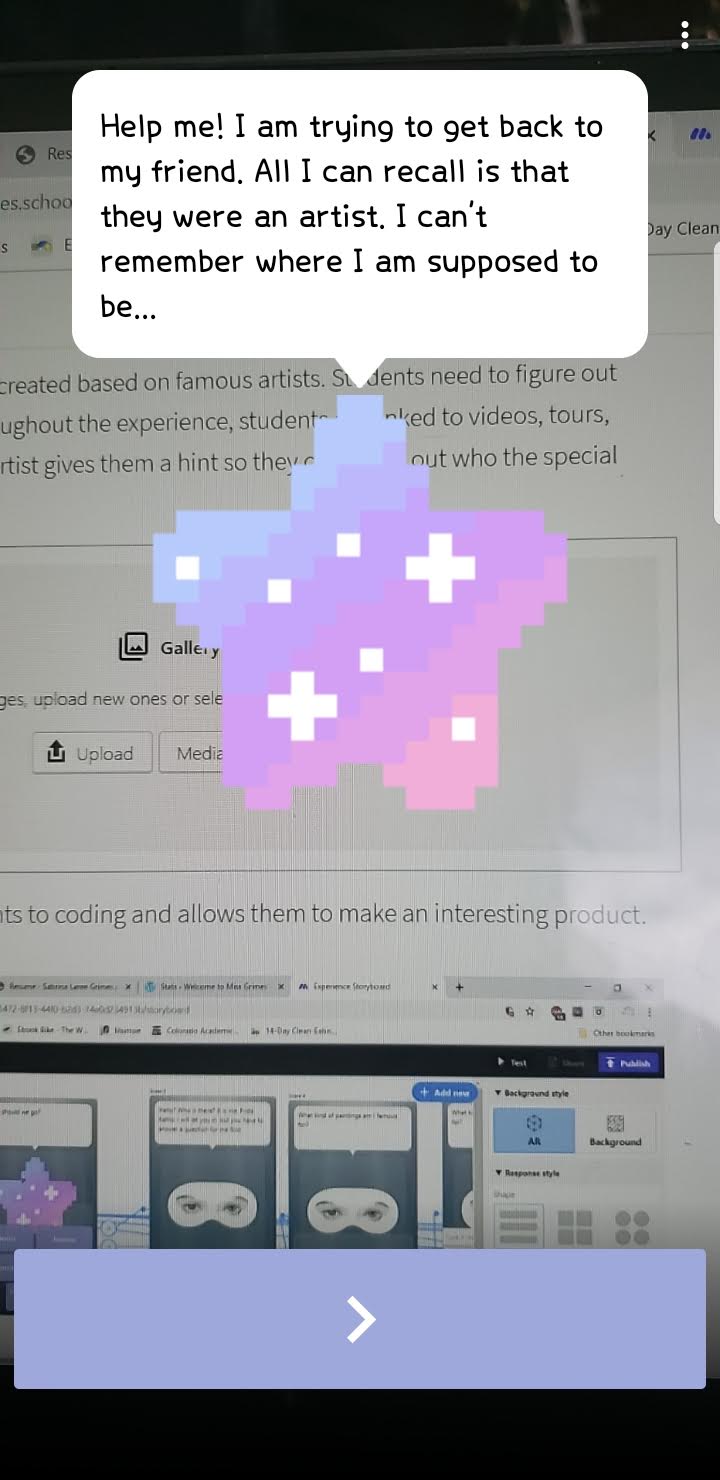
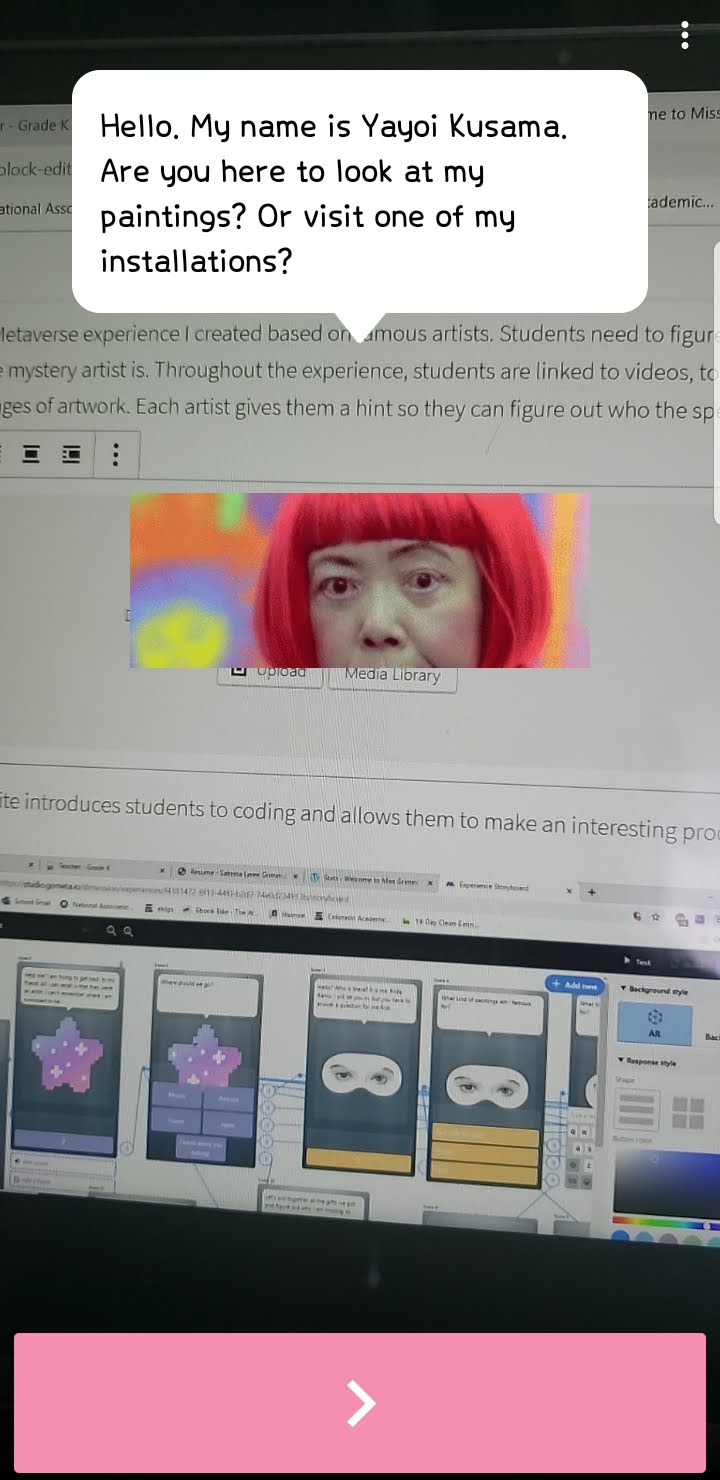
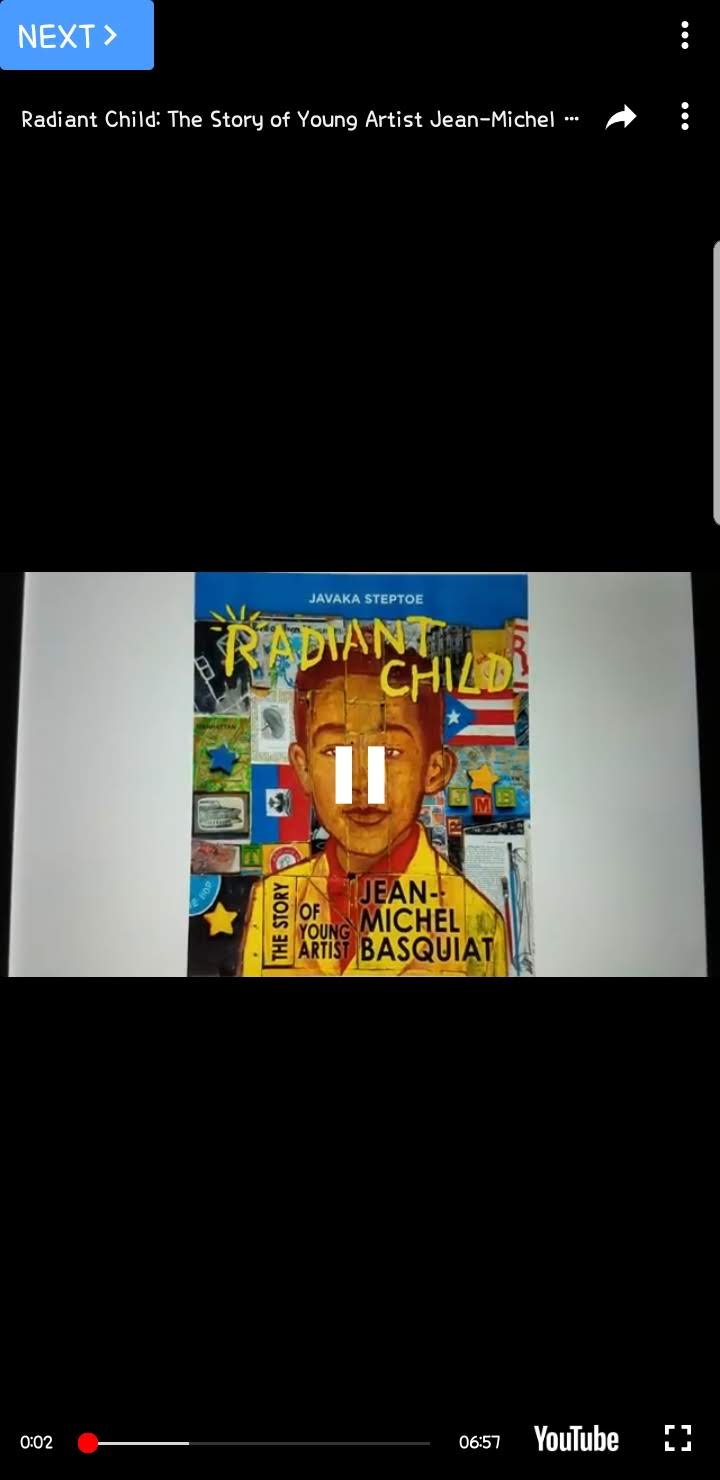
This a Metaverse experience I created based on famous artists. Students need to figure out who the mystery artist is. Throughout the experience, students are linked to videos, tours, and images of artwork. Each artist gives them a hint so they can figure out who the special artist is!
Link to my Metaverse experience: https://mtvrs.io/BlackWaterloggedSnowgeese